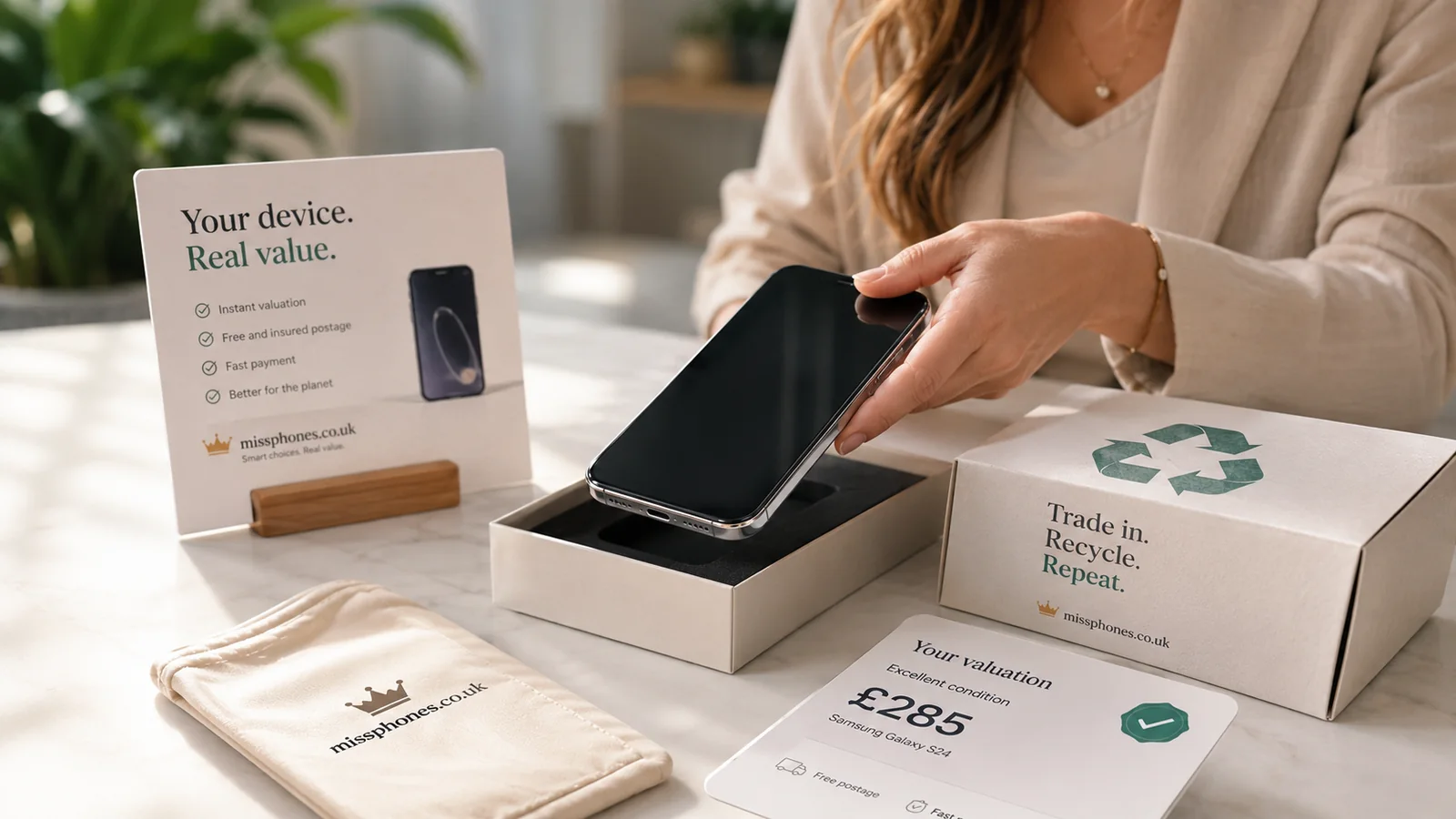
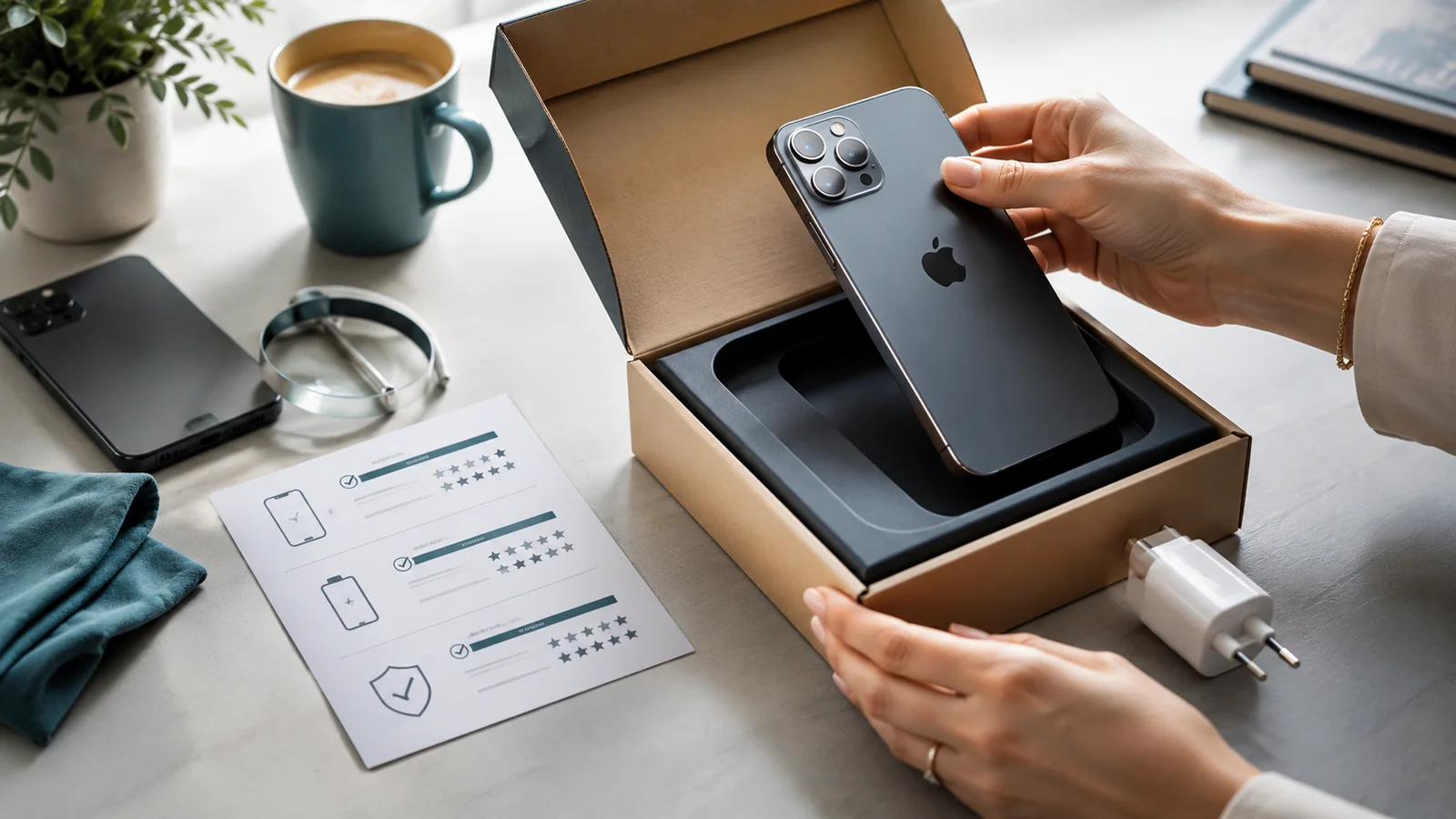
Preparation has two jobs: protect your personal information and make the phone verifiably ready for its next owner. A factory reset performed in the wrong order can leave an activation lock; a perfect-looking listing without a condition record can leave you exposed in a dispute.
Scope of this page: This page is the complete preparation sequence before a sale. Account removal, data erasure, photographs and condition evidence have separate detailed guides so each step can be followed safely.
Use this order

- Confirm ownership and any remaining device balance.
- Back up and verify the information you need.
- Remove linked accounts and activation locks.
- Remove payment cards, SIMs, eSIM service and removable storage as applicable.
- Erase the phone using the manufacturer-supported process.
- Check that it reaches the initial setup screen without asking for the former owner.
- Record condition, identifiers and included accessories.
- Clean, photograph and package only after the checks are complete.
Choose the detailed guide
| Task | Guide |
|---|---|
| Complete end-to-end preparation | How to Sell an Old Phone Safely |
| Remove Apple, Google and manufacturer accounts | How to Remove Accounts Before Selling |
| Erase personal data | How to Wipe a Phone Before Selling |
| Create evidence for a posted sale | How to Document a Phone's Condition Before Posting It |
| Create honest listing photographs | How to Photograph a Phone for Sale |
Do not erase too early
Complete the backup, record battery or parts information that may disappear from easy view after reset, and note the IMEI before erasing. Do not publish a full IMEI or serial number in a public listing; retain it privately for the transaction record.
Do not hand over too early
The buyer should receive a device at its setup screen, not a phone logged into your accounts. You should receive confirmed payment through the agreed method before the phone leaves your control.
Useful official references: Preparing a Phone for Sale
What can change the answer on Preparing a Phone for Sale
- Value versus certainty:a higher private-sale price can require more time and carry more dispute risk; a trade-in may pay less but provide a simpler documented process; compare the net amount rather than the headline quote; apply this point to the preparing sale question.
- Evidence before handover:keep the advert or quote, photographs of condition, serial/IMEI records kept privately, and the payment or collection record; this keeps the Preparing a Phone for Sale transaction documented without publishing device identifiers in the listing.
- Account and data separation:back up what you need, remove account locks using the manufacturer’s supported process, and complete the appropriate erase procedure before the phone leaves your control for the decision described here.
- Payment and delivery fit:use a payment and delivery method that matches the marketplace or buyer-protection rules; do not change the delivery address or payment route simply because a buyer asks in a message for the decision described here.