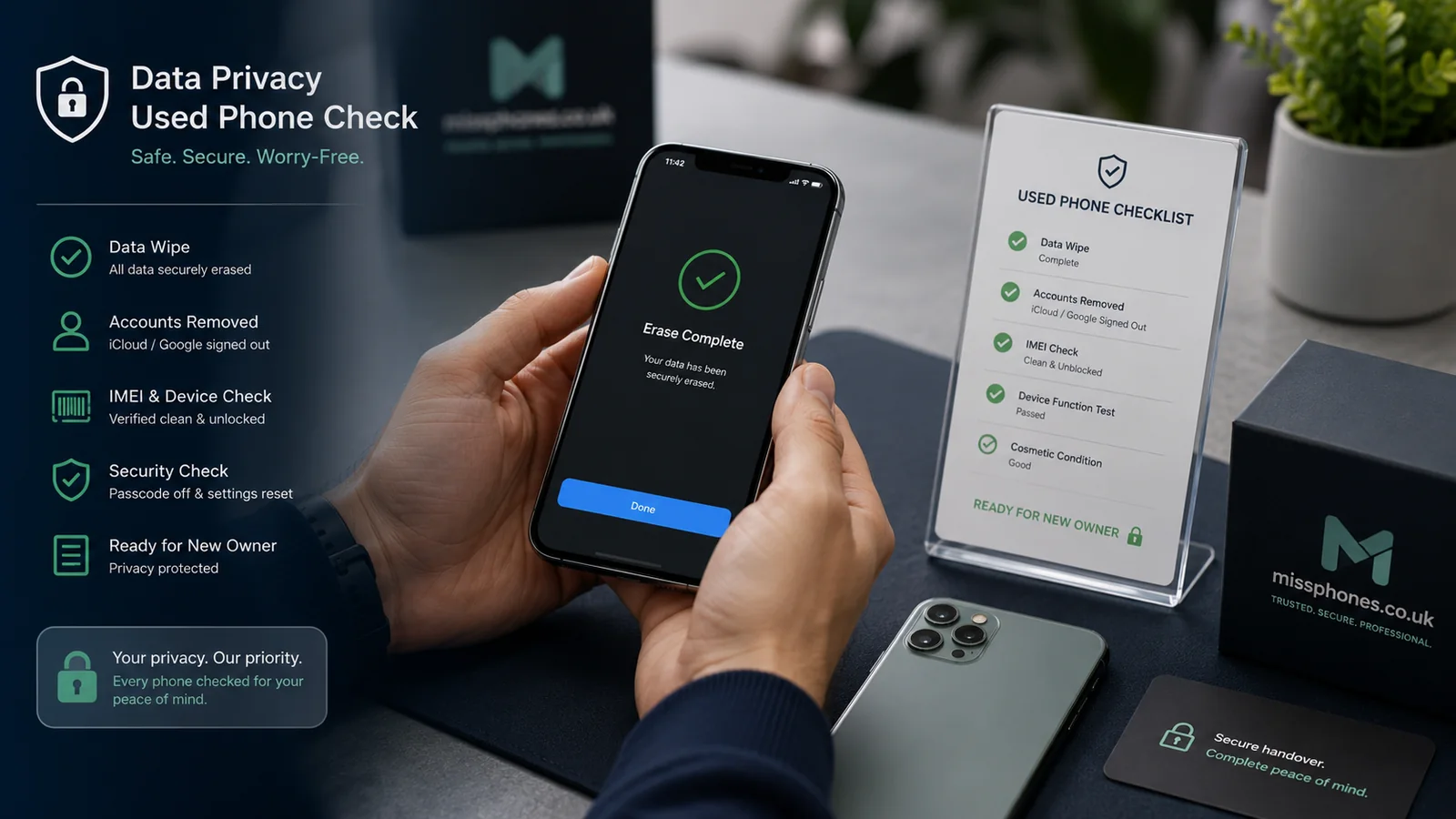
Account removal and data erasure are related but separate. A phone can look empty and still be locked to the previous owner. Remove the accounts that control activation before completing the reset.
Scope of this page: This guide focuses on unlinking accounts and activation/security locks before handover. It complements, but does not replace, the separate data-wipe procedure.
Apple devices

Follow Apple’s current sell-or-trade guidance: back up, unpair an Apple Watch where applicable, sign out of the Apple Account, erase the device and remove it from trusted devices. If Find My and Activation Lock remain active, the next owner may be unable to use the phone.
Android devices
Remove every Google account shown in Settings, then remove Samsung, Xiaomi or other manufacturer accounts used by that device. Disable device-management profiles that you are authorised to remove. A work- or school-managed phone may need the organisation’s administrator and may not be yours to sell.
Services people commonly forget
- Apple Watch or other paired wearable and its mobile plan.
- eSIM service, which may require network action rather than merely erasing the phone.
- Payment cards, transport passes and device-bound banking credentials.
- Passwordless sign-in, passkeys and authenticator apps.
- Family or parental-control management.
- Manufacturer anti-theft services in addition to Apple or Google.
If you no longer have the phone
Use the manufacturer’s official account tools to protect the account and, where supported, erase the device remotely. Be careful when removing a device from an account: on some platforms that action can affect Activation Lock. Follow the current official instructions rather than clicking “remove” simply to make the device disappear from a list.
Check before handover
The phone should start at its initial setup screen. It should not open into your home screen, request your screen code during normal setup, or ask the buyer to enter your Apple or Google credentials. Do not give the buyer your account password to fix a preparation mistake; regain control of the phone and complete the process yourself.
Continue with the separate guide to wiping the phone before selling once account removal is complete.
To place How to Remove Accounts Before Selling in context, see Selling and Recycling, then Selling and Trade-In Guide.
Evidence and official references: How to Remove Accounts Before Selling
- Apple: remove personal information before sale or trade-in
- Google: prepare for an Android factory reset
Checks that matter for How to Remove Accounts Before Selling
- Verify the handover state:confirm the phone starts without your account, SIM or personal content and that any paperwork handed over does not expose unnecessary personal data for the situation covered on this page.
- Keep the minimum useful evidence:retain the receipt or order confirmation, seller description, key messages and the device identity needed to prove the transaction without publishing sensitive identifiers before applying it to this particular case.
- Protect accounts separately from the phone:make sure recovery email, recovery codes and another trusted device are available before changing, selling or resetting the handset before applying it to this particular case.
- Use supported erase and unlink procedures:removing files manually is not the same as removing account locks or performing the manufacturer’s reset process; follow the current instructions for the exact platform for the situation covered on this page.