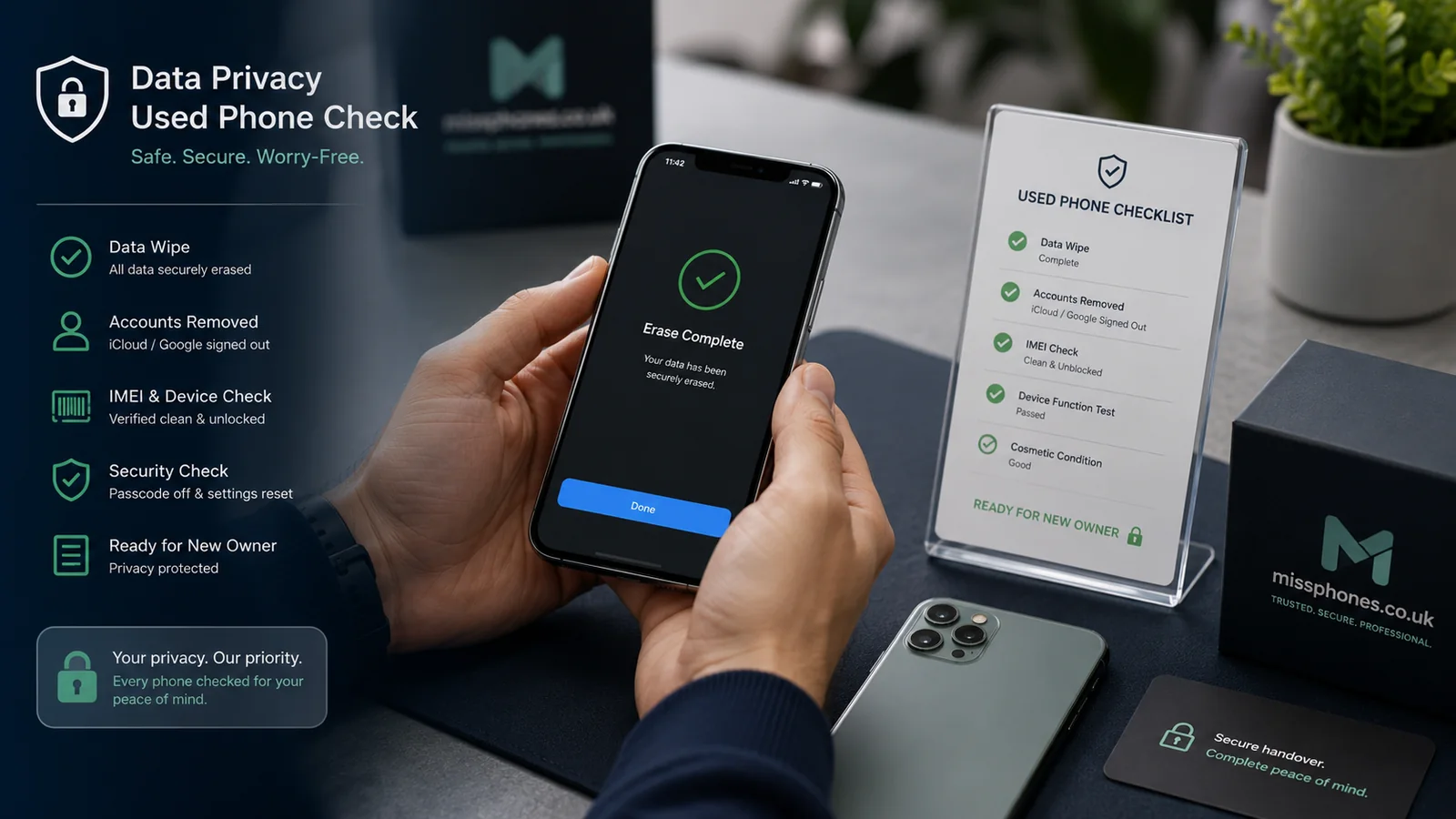
Erasing a phone is the final data-removal step, not the first. Back up what you need and remove the accounts that control activation before starting the factory reset. Deleting photographs, messages or apps one by one is not a substitute.
Scope of this page: This page is specifically about the data-erasure stage. Pricing, photography, account evidence and the wider sale workflow are covered elsewhere.
Before the reset

- Verify the backup by checking that important photos, contacts, authenticator recovery methods and files are available elsewhere.
- Transfer or remove any authenticator, banking or password-manager access that depends on the old phone.
- Remove payment cards and transport passes where the platform requires it.
- Remove the physical SIM and memory card. Arrange eSIM transfer or cancellation with the network where needed.
- Record the IMEI and condition privately before the settings are erased.
iPhone and iPad
Use Apple’s current preparation guidance. Sign out of the Apple Account and use Erase All Content and Settings. The exact screens differ by iOS version. When finished, the device should reach the setup screen and should not remain tied to the former owner’s Activation Lock.
Android
Remove Google accounts and any Samsung or other manufacturer account before resetting from Settings. This matters because Factory Reset Protection can require the former credentials after an unauthorised reset. Menus vary by manufacturer, so use the current instructions for the exact model.
Verify the result
Restart the phone and begin setup only far enough to confirm that it does not demand the previous owner’s credentials. Do not complete setup with a new personal account. If a trade-in provider gives its own preparation instructions, follow them as well, especially where it asks you to disable a lock or remove accessories.
If the phone no longer works
A non-working phone may not be capable of a normal erase. Check whether remote erase is available, remove it from accounts only after understanding the effect on activation lock, and use a reputable data-destruction or recycling route if sensitive local data cannot be cleared. Do not dismantle or puncture a lithium battery yourself.
To place How to Wipe a Phone Before Selling in context, see Selling and Recycling, then Selling and Trade-In Guide.