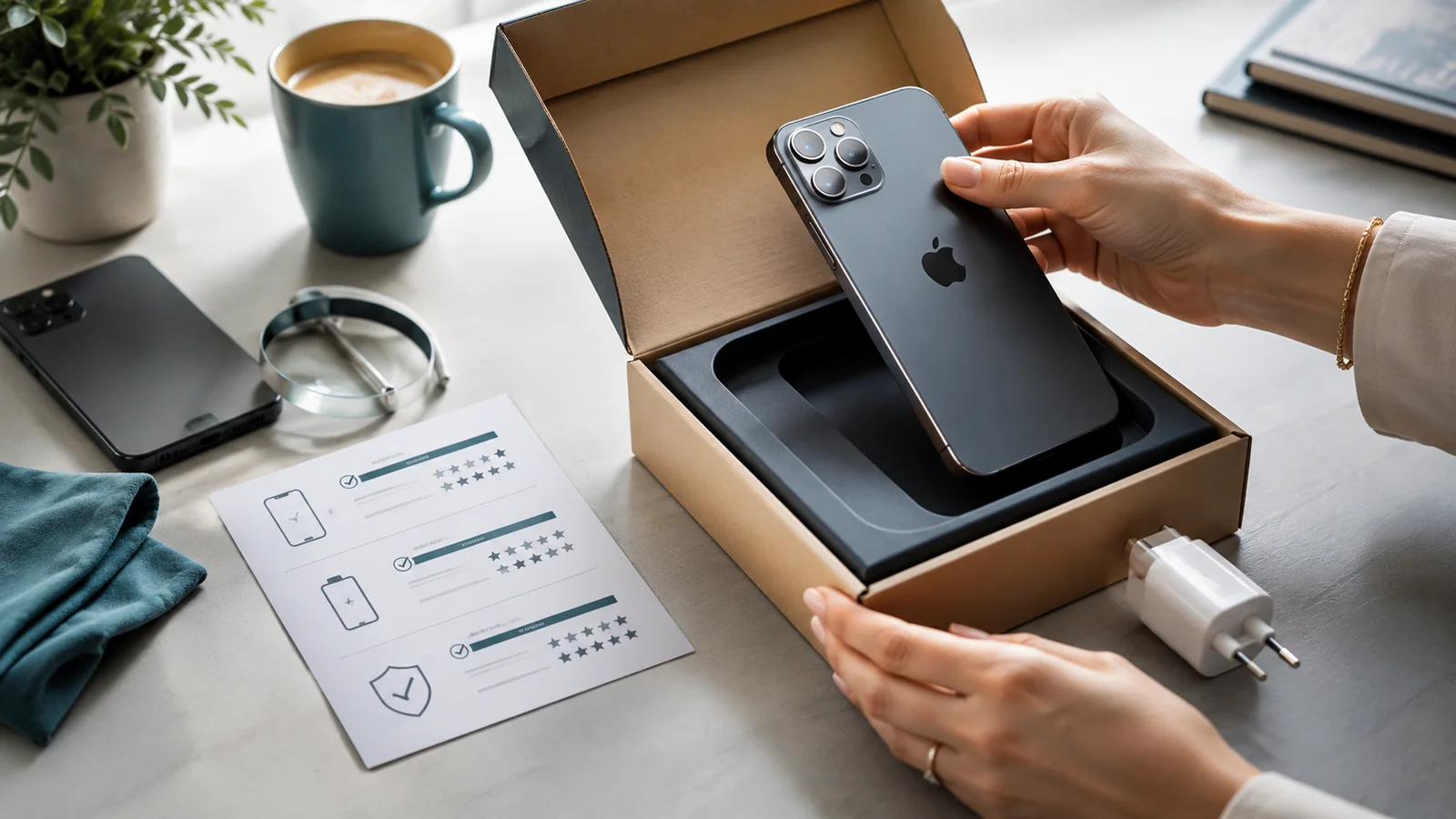
Good sales photographs reduce repetitive questions and make an honest condition description credible. They should reveal the phone rather than disguise it.
Prepare the scene

Clean the phone with a method suitable for the manufacturer’s finish. Use indirect daylight or a soft lamp, a plain background and a second device with a clean lens. Avoid beauty filters, portrait blur and reflections that conceal scratches.
Use a complete shot list
- Front with screen off.
- Front with screen on and no personal information visible.
- Back and camera area.
- Left, right, top and bottom edges.
- All corners.
- Close-ups of every notable mark or fault.
- Included case, cable, box or other accessories.
- A photograph showing the model and storage screen with identifiers partly obscured.
Show scale and severity
For a scratch or dent, provide one close photograph and one wider image showing where it sits on the phone. Do not describe a defect as “barely visible” if it becomes obvious under ordinary light. A buyer should not need to infer whether a mark is on a removable screen protector or the display itself.
Photograph repaired or missing items honestly
If a screen protector is cracked, remove it only if you can do so safely and want to show the glass underneath; otherwise state that the underlying screen has not been inspected. Photograph replacement-part messages or repair invoices with personal details covered. If the original box, charger or cable is missing, do not stage substitutes in the main photograph.
Protect personal information
Do not publish the full IMEI, serial number, phone number, account email, home address or notifications. Crop or mask identifiers in the public listing while retaining the originals privately for the transaction record.
Separate listing photographs from dispute evidence
Listing images explain condition to the buyer. The more complete time-stamped record in How to Document a Phone's Condition Before Posting It protects the transaction after a sale.
For the wider How to Photograph a Phone for Sale decision, continue with Selling and Recycling, then Selling and Trade-In Guide.
Reference points for current UK rules: How to Photograph a Phone for Sale
Practical checks for How to Photograph a Phone for Sale
- Create dispute evidence separately:keep a more complete dated condition record for the transaction rather than assuming the public listing photographs alone will prove packing and handover condition.
- Show condition, not atmosphere:use even light and sharp close-ups that make scratches, chips, camera lenses, ports and screen condition easy to judge rather than relying on flattering lifestyle images.
- Cover every side systematically:photograph front, back, edges, corners and any defect mentioned in the description so the written condition and images tell the same story.
- Keep identifiers private:retain original evidence privately but mask full IMEI, serial number, phone number, account email, address and notifications in public listing images.