A used iPhone is worth buying only when you can verify that it is ready for a new owner, identify its repair history and test the functions that would be expensive to fix. Cosmetic condition comes after Activation Lock, parts, battery, network use and evidence of ownership.
Do not pay until the phone reaches the setup process without asking for the previous owner's Apple Account, the serial and IMEI details are consistent, and you have tested the essential hardware.
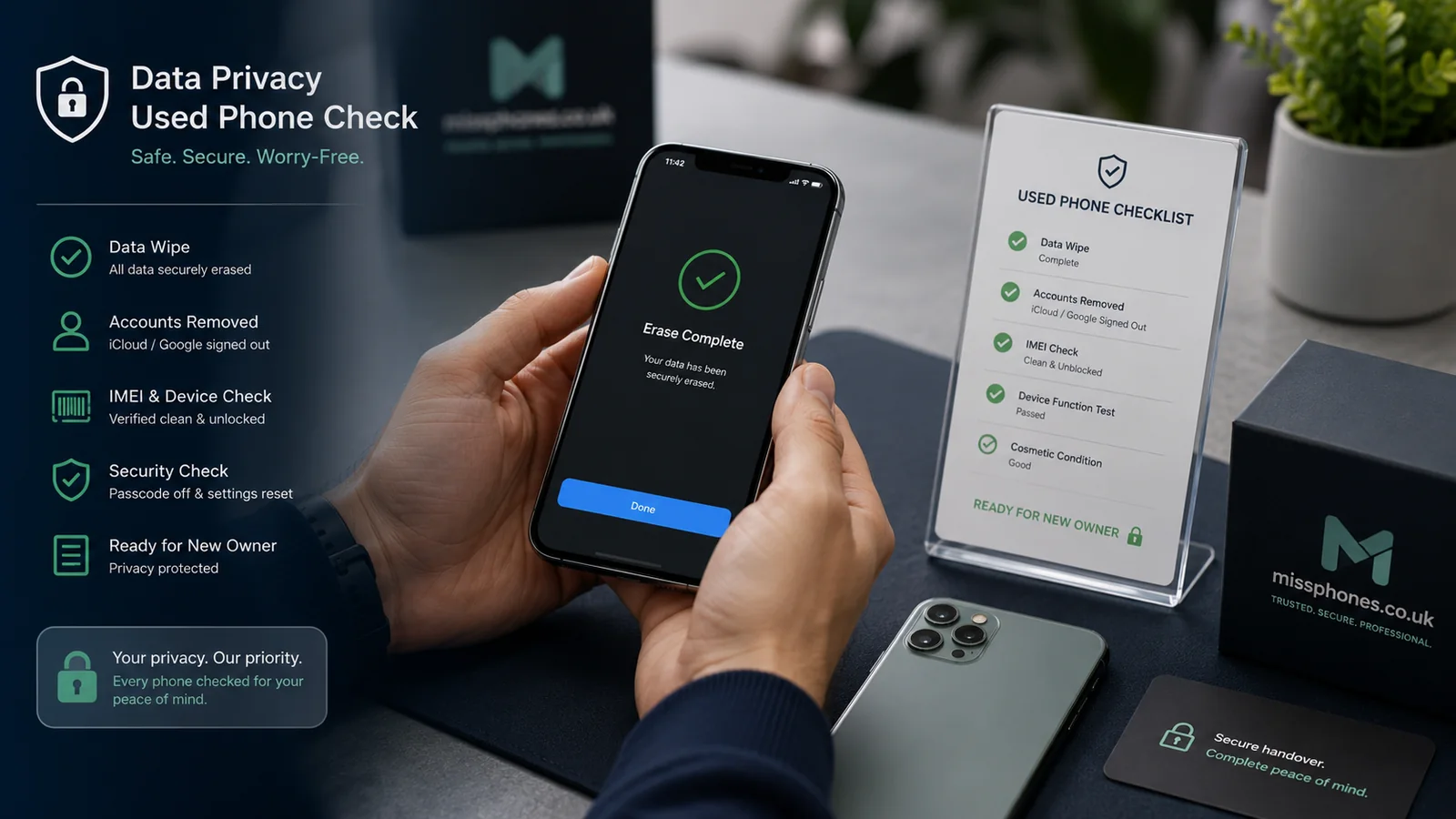
1. Confirm that Activation Lock is removed

Find My enables Activation Lock. Erasing an iPhone does not necessarily remove its link to the previous owner's Apple Account. If setup asks for that account, do not take ownership and do not rely on a promise that the seller will fix it later.
- Ask the seller to back up their data and erase the iPhone before completion of the sale.
- Turn the phone on and begin setup.
- If you see “iPhone Locked to Owner” or are asked for the previous owner's Apple Account, stop.
- Continue only when the phone reaches the normal setup screens without the previous owner's credentials.
If the seller wants you to inspect the phone before erasing it, complete the hardware tests first, then watch them sign out and erase it. Do not accept a phone that is merely showing its Home Screen while still signed into someone else's account.
2. Match the phone to the listing
| Check | Where to look | Why it matters |
|---|---|---|
| Model and storage | Settings > General > About | Confirms you are receiving the advertised variant |
| Serial number and IMEI | About screen and, where available, box or invoice | Exposes mismatched packaging or unexplained component changes |
| Network lock | Settings > General > About > Network Provider Lock | “No SIM restrictions” indicates that iOS does not report a provider lock |
| Coverage | Settings > General > AppleCare & Warranty or Apple's coverage service | Shows recorded coverage; it does not prove ownership or condition |
A box mismatch is not automatic proof of theft or fraud: a replacement device or lost box can have an innocent explanation. It is still a reason to ask for evidence and walk away if the seller cannot explain it clearly.
3. Check battery condition
Open Settings > Battery > Battery Health. Maximum Capacity estimates how much charge the battery can hold compared with when it was new. Treat the figure as one part of the decision, not a universal pass mark.
- Check for a service recommendation or inability to verify the battery.
- Ask whether the battery has been replaced and by whom.
- Watch for rapid percentage drops, unexpected shutdowns, heat or a lifting display.
- On iPhone 15 models and later with supported software, check cycle count, manufacture date and first-use information in Battery Health.
Apple designs iPhone 14 batteries and earlier to retain 80% of original capacity at 500 complete charge cycles under ideal conditions, while iPhone 15 batteries are designed for 80% at 1,000 cycles. These are design references, not a promise about an individual used phone. Usage, temperature, charging and repair history affect the result.
A swollen battery, separated display or chemical smell is a safety reason to reject the phone, not a bargaining point.
4. Read Parts and Service History
With iOS 15.2 and later, Settings > General > About may show Parts and Service History where a supported component has been replaced. The information available depends on the iPhone model.
- Genuine: Apple identifies a genuine part installed and calibrated using its processes.
- Used: a genuine part was previously installed in another iPhone.
- Unknown: the part may be non-genuine, may not work as expected or may not have been verified correctly.
- Unverified or Finish Repair: investigate before buying, because features, service eligibility or trade-in may be affected.
A label does not replace testing. Check touch response, display colour, brightness, cameras, Face ID or Touch ID and battery behaviour. Assume that water resistance may no longer match the original rating after any opening or repair.
5. Test the screen, cameras, sound and controls
Display and biometric security
- Show white, black, red, green and blue screens at normal and high brightness.
- Look for dead pixels, burn-in, discoloured areas, flicker and lifted edges.
- Type across the whole keyboard and drag an icon around the display to find dead touch zones.
- Set up and test Face ID or Touch ID before the phone is erased for sale.
Cameras and microphones
- Switch through every front and rear lens offered by that model.
- Focus on near and distant subjects and record a short video with sound.
- Use Voice Memos, then make a call where practical.
- Listen for muffling, rattling, unstable focus or a lens that shows a black image.
Connections and controls
- Test the charging port with a known-good cable and suitable charger.
- Check Wi-Fi, Bluetooth and mobile service with your own SIM or eSIM where practical.
- Test volume, side, Action or mute controls as fitted.
- Check vibration, speakers and the earpiece.
Do not infer a counterfeit camera or charging port from one poor test. A dirty lens, weak cable, software setting or damaged accessory can produce similar symptoms. Unresolved faults still justify walking away.
6. Assess IMEI, ownership and finance risk
UK mobile providers have been prohibited from selling locked handsets since 17 December 2021, but older or imported phones may differ. A phone can also be unlocked yet later become unusable on mobile networks if it is reported lost or stolen.
Third-party IMEI checks can be a useful additional screen, but coverage and accuracy vary. A clear result is not an absolute guarantee and may not reliably establish whether every finance obligation has been settled. Reduce risk by combining:
- the IMEI shown by the phone;
- a credible invoice or receipt where available;
- the seller's identity and written description;
- your own network test;
- a payment method appropriate to the transaction.
Reject a sale where the seller refuses to show the IMEI, pressures you to pay before setup, cannot explain a mismatch or offers a price that makes the risk implausibly easy to overlook.
7. Understand who is selling it
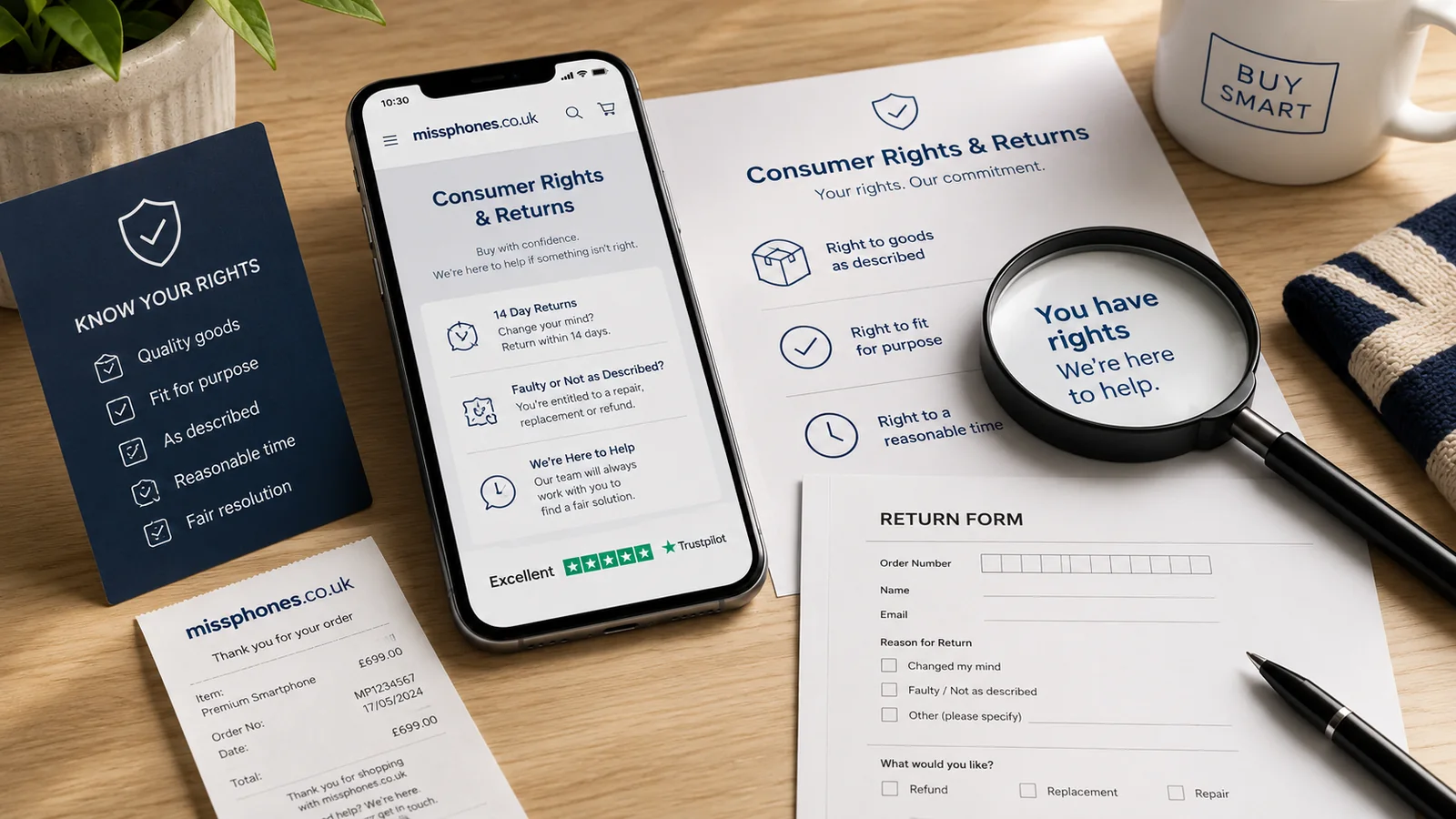
A business seller must meet consumer-law obligations, including that goods are as described, of satisfactory quality and fit for purpose, taking account of age, price and description. A private seller's obligations are narrower, although the phone must still match what they said it was. A commercial warranty is additional cover and does not replace statutory rights against a trader.
For an online purchase, complete the seller and returns checks in Buying a Phone Online. Save the listing, photographs, serial and IMEI, payment record and every written claim about battery, parts and condition.
Final decision checklist
- Activation Lock is removed and setup does not request the previous owner's account.
- Model, storage, serial and IMEI match the evidence supplied.
- Battery condition and any replacement are understood and priced in.
- Parts and Service History contains no unexplained warning.
- Display, biometric security, cameras, microphones, speakers, charging and connections work.
- The seller's identity, description and payment route are credible.
- The price leaves room for any known battery or repair cost.
Compare the result with the complete phone buying guide and the expected ownership period in How Long Should a Smartphone Last?.
Evidence and official references: Used iPhone Buying Checklist
Information checked on 25 July 2026. Apple menu labels and parts information vary by model and software version.