Do not try to identify a counterfeit phone from one visual clue. Packaging, software, identifiers, hardware behaviour and seller evidence should agree. A convincing box or copied serial number is not enough.
Start with the exact claimed model

Open the manufacturer’s official specification page and compare:
- model number and regional variant;
- available storage and colours;
- camera layout and physical controls;
- operating-system menus and supported features;
- box contents for that market and release period.
Check the software from inside the phone
| Check | Warning sign |
|---|---|
| System information | Model name, storage or software version does not match the listing |
| Official app store and updates | Imitation interface, missing services or update process that does not reach the manufacturer |
| Biometrics and cameras | Promised functions are decorative, absent or operate differently |
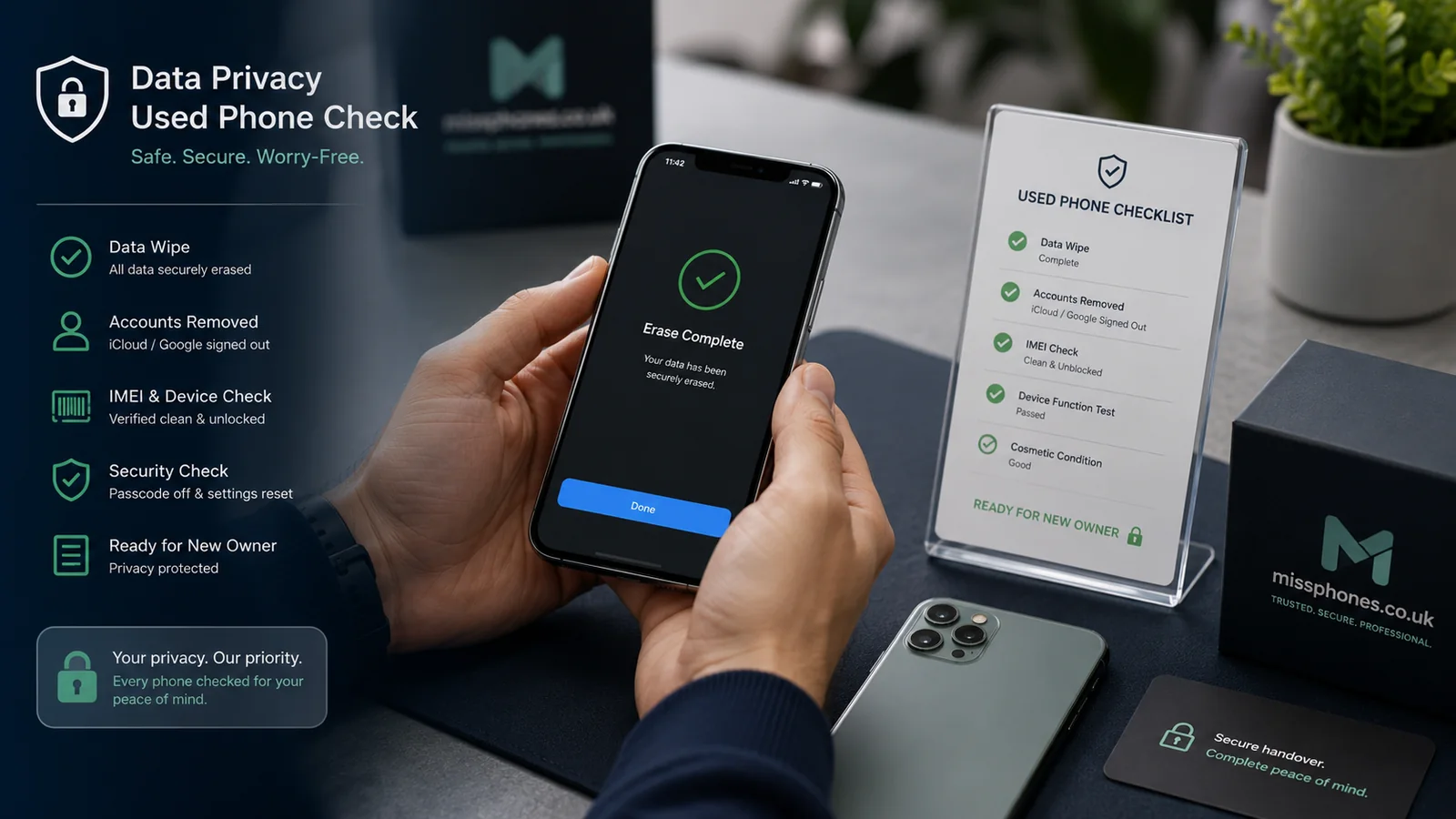
| Serial/IMEI | Identifiers disagree across settings, box and receipt |
A serial-number lookup can be useful, but copied identifiers exist. Treat any online result as one layer of evidence and verify the physical phone.
Do not rely on myths
Weight, logo position, animation speed and a single photograph are not universal counterfeit tests. Genuine phones can have replacement parts, damaged boxes or region-specific software, while counterfeit devices can imitate superficial details.
Seller and payment checks
- Identify the legal trader or private seller.
- Compare the price with the same model, storage and condition.
- Refuse pressure to pay before testing.
- Keep the listing, messages and payment evidence.
- If a UK trader supplied counterfeit goods, use the platform or payment dispute process and seek current consumer advice.
Test the claimed premium features
Counterfeit devices often imitate a menu or camera layout without matching the underlying hardware. Test the functions that distinguish the claimed model: biometric unlock, camera modes, wireless charging, display behaviour, official update service and connection to the manufacturer’s account or diagnostic system. Do not install an unknown “verification app” provided by the seller.
After an online purchase
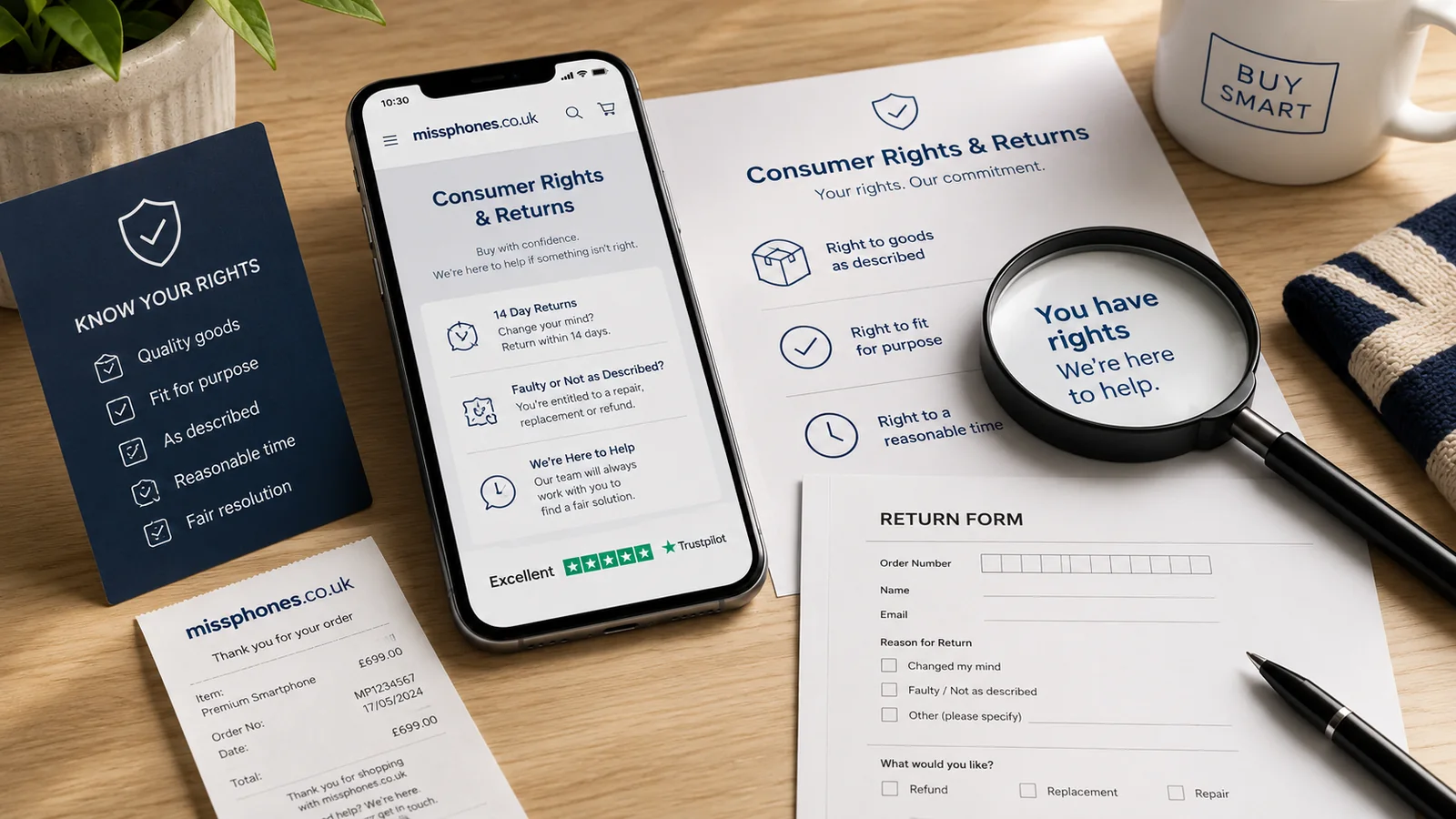
Record the unboxing and compare the phone with the saved listing. If the product is counterfeit or materially misdescribed, stop entering personal data, preserve the packaging and use the retailer, marketplace and payment dispute routes promptly. Do not return it using an unverified label or address supplied outside the official process.
Price remains a warning, not proof
A very low price can result from fraud, damage, account lock, imported stock or a counterfeit product. It can also reflect an urgent legitimate sale. Use the price to increase verification rather than to declare the phone genuine or fake.
After How to Spot a Fake Phone, the closest next step is Buying a Phone, then Complete Phone Buying Guide.