An IMEI is an identifier for mobile-network equipment. It can help match a phone to its box, settings and sale documents, and network records may show that an IMEI has been blocked. It cannot by itself prove ownership, condition, finance status or the absence of a future dispute.
Find the IMEI from the phone

- Use the device settings or the manufacturer’s official instructions.
- On many phones, dialling
*#06#displays the identifier, but verify the result in settings as well. - For dual-SIM devices, record every IMEI shown.
- Compare the number with the box and invoice, but treat a mismatch as a question, not automatic proof of theft.
What an IMEI check can and cannot tell you
| Possible result | Safe interpretation |
|---|---|
| Blocked or reported lost/stolen | Do not buy; ask the seller to resolve it through the relevant network |
| No block reported | Only that no relevant block was shown at that time; continue all other checks |
| Model information | Useful for spotting an obvious mismatch, not proof the phone is genuine |
| Finance claim from a third-party service | Check what data source and guarantee the service actually provides |
Protect the identifier
Do not publish a full IMEI in an open advert. Keep it in private evidence, provide it to a genuine buyer through an appropriate channel and record it before posting a sold phone so that a returned device can be matched.
Complete the account and ownership checks
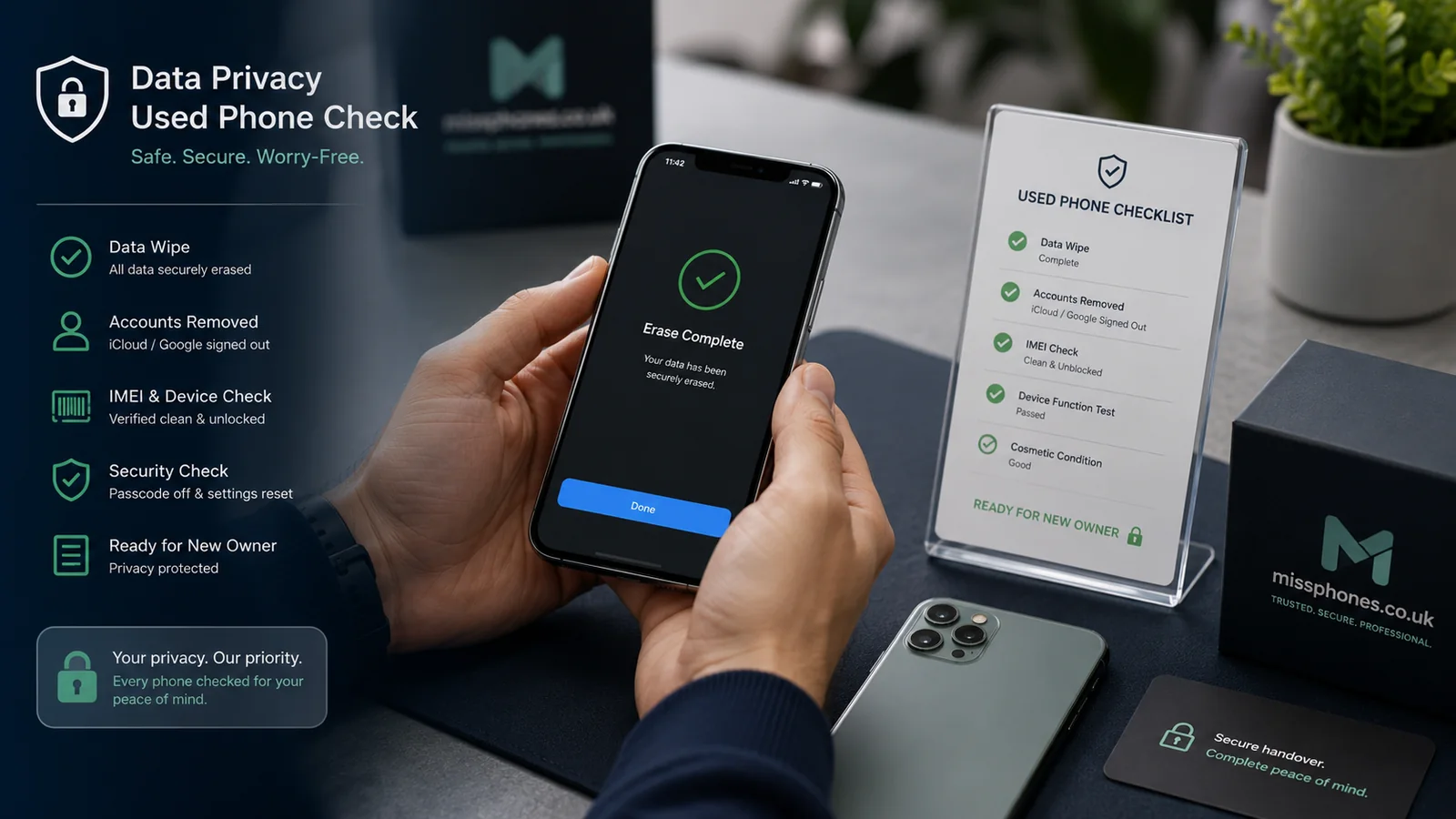
For iPhone, confirm Activation Lock is removed through the setup process. For Android, confirm the previous Google and manufacturer accounts have been removed before reset. Ask for proof of purchase where available and identify the seller. A phone can have a clear IMEI and still be account-locked, misdescribed or subject to a later report.
If the IMEI is blocked
Do not attempt to solve the problem by paying for an unofficial “unblocking” service. Ask the seller to contact the network that applied the block and provide evidence of the resolution. If the block appears after purchase, preserve the listing, seller details, payment and check result, then use the marketplace, payment or consumer-advice route that applies.
Dual-SIM and replacement-device complications
A dual-SIM phone can have more than one IMEI. Record all identifiers and check which one corresponds to each SIM position. A manufacturer replacement can legitimately have a different identifier from the original invoice, but the seller should be able to provide the replacement or repair documentation. An unexplained mismatch remains a reason to pause.
Use IMEI evidence at resale
Before posting a sold phone, photograph the IMEI in settings and the physical condition. If a different device is returned in a dispute, the identifier can help demonstrate substitution. Keep the evidence private and redact it from public photographs.
After How to Check a Phone's IMEI Number, the closest next step is Buying a Phone, then Complete Phone Buying Guide.