A used Android phone can be excellent value, but “Android” covers many manufacturers, regional variants and support policies. Check the exact model, account status, security-support period, repair history and core hardware before paying. A clean-looking handset with no remaining updates or an unresolved account lock is not a bargain.
Do not pay until the seller has removed their accounts, the phone can be set up for a new owner, and you have confirmed the exact model and remaining supported life.
1. Remove account locks before completing the sale

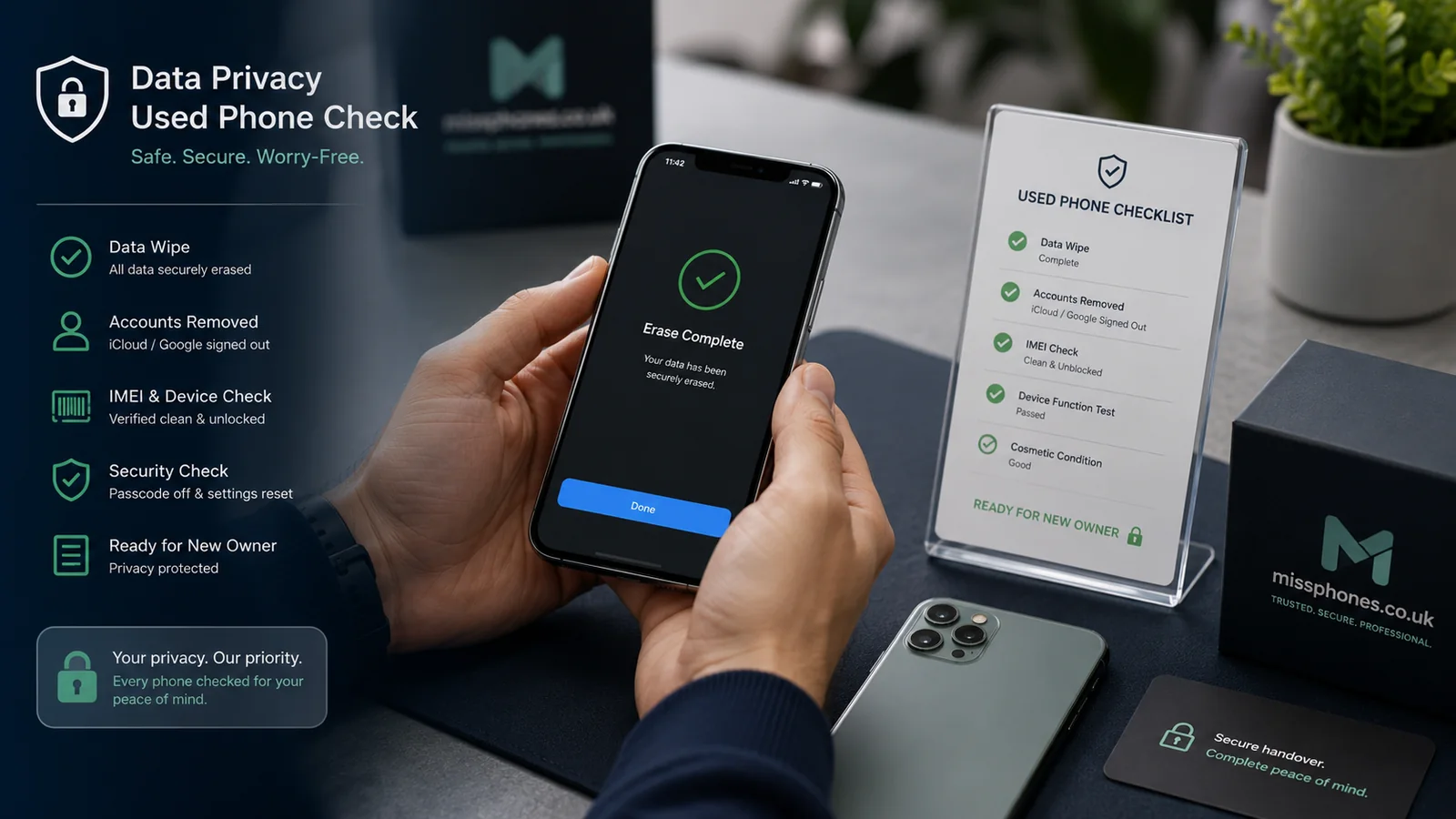
Android device protection can require a Google Account previously used on the phone after an unauthorised factory reset. Manufacturers may also use their own account and anti-theft systems. Do not accept a phone that the seller says can be unlocked “later”.
- Inspect and test the phone while the seller can unlock it normally.
- Ask the seller to remove Google and manufacturer accounts through Settings.
- Ask them to remove the screen lock where the device instructions require it.
- Factory-reset the phone from Settings, not through an unofficial recovery shortcut.
- Begin setup and confirm that it does not demand the previous owner's credentials.
Menu names vary. Samsung, Xiaomi, Huawei and other manufacturers may have an additional account that must be removed. If setup stops at a previous-owner login, return the phone to the seller.
2. Identify the exact model and region
| Check | Why it matters | Where to confirm |
|---|---|---|
| Full model number | Support, network bands, storage and features can differ within one product name | Settings > About phone and the manufacturer's support pages |
| IMEI and serial | Helps match the device to evidence and identify unexplained changes | About phone, *#06# where supported, box or invoice |
| Storage and memory | Listings often omit or confuse variants | Storage and About phone pages |
| Regional version | Can affect network compatibility, warranty and software | Model code and official specification |
A mismatched box can have an innocent explanation, but it removes one useful piece of evidence. Ask the seller to explain any difference and save the written answer.
3. Check the remaining security-support period
Do not judge support solely from the Android version or the date of the latest installed patch. A phone may simply not have been updated recently, while another device may have a recent patch but be close to the end of its published support period.
- Find the Android security update and Google Play system update dates in Settings.
- Install available updates before relying on the displayed level.
- Check the manufacturer's commitment for that exact model and region.
- Confirm the final security-update date is later than the end of your planned ownership.
Under the UK's consumer connectable product security regime, manufacturers must publish a minimum security-update period for applicable products. Use the manufacturer's product-security statement where available. Do not assume a policy for the latest flagship applies to an older, budget or imported phone.
A phone outside support may still switch on and run apps, but known security weaknesses will no longer be routinely fixed. That is especially important for banking, email, work accounts and payment use.
4. Assess the battery without inventing a universal percentage
Android has no single battery-health screen or threshold shared by every manufacturer. Some brands provide diagnostics; others show limited information. For example, Samsung provides battery-status checks through Samsung Members on supported Galaxy devices.
- Run the manufacturer's own diagnostics where available.
- Ask whether the battery has been replaced and whether there is a repair invoice.
- Check for rapid drain, sudden shutdowns, charging interruptions and unusual heat.
- Inspect the back and display for lifting, swelling or distortion.
- Do not rely on an unverified third-party health percentage as the only evidence.
A swollen battery or lifted casing is a safety reason to reject the device. Do not charge, press or continue testing a visibly swollen phone.
5. Inspect the display and biometric security
- Show white, black, red, green and blue screens to reveal burn-in, dead pixels and uneven colour.
- Test touch across the full panel, including edges and keyboard rows.
- Check brightness at low and high settings for flicker.
- Set up and test the fingerprint sensor and face unlock before the reset.
- Look for lifted edges, excess adhesive, loose back panels and damaged camera glass.
An aftermarket screen is not automatically unacceptable, but it can affect brightness, touch, fingerprint recognition and durability. Price the phone on the condition you can verify, not on an unsupported claim that every part is original.
6. Test cameras, charging, sound and connections
Cameras and microphones
- Switch through every available rear and front camera.
- Focus on near and distant subjects and record video with sound.
- Check stabilisation, flash and camera switching.
- Record a voice note and make a call where practical.
Charging and connectivity
- Use a known-good cable and suitable charger; confirm stable charging rather than relying on a claimed wattage.
- Test Wi-Fi, Bluetooth and mobile service with your own SIM where practical.
- Check USB data connection if you expect to use it.
- Test NFC only if contactless payment or accessories matter to you.
Controls and sensors
- Test volume and power buttons, vibration, speakers and earpiece.
- Rotate the screen to check the orientation sensor.
- Use maps or a diagnostic tool to check location where this is important.
- Check proximity behaviour during a call.
A single failed test may have a simple cause, but do not diagnose or price a repair on the seller's behalf. If an essential function cannot be verified, either obtain a written return right from a trader or choose another phone.
7. Treat IMEI checks as one layer, not a guarantee
The IMEI identifies the handset on mobile networks. A phone reported lost or stolen can be barred after the sale. Third-party services may check selected databases, but results and coverage vary, and a clear report is not an absolute guarantee of ownership or settled finance.
Combine the IMEI with:
- the seller's identity and written description;
- matching model and serial information;
- a credible invoice or receipt where available;
- your own SIM and network test;
- a payment method suitable for the level of risk.
UK mobile providers have been prohibited from selling locked handsets since 17 December 2021, but older and imported devices can differ. Check the exact phone rather than relying on its apparent age.
8. Understand seller rights and warranty limits
A trader must sell goods that meet consumer-law requirements, taking account of description, price, age and condition. A private seller's obligations are narrower, although the phone must match the description. A manufacturer or reseller warranty is separate and may exclude accidental damage, batteries or previous repairs.
For an online purchase, use Buying a Phone Online to check cancellation, delivery and evidence. Save screenshots of the listing, the seller's statements, the model details and any claimed battery or repair standard.
Final decision checklist
- Google and manufacturer accounts have been removed.
- Setup does not request the previous owner's credentials.
- The exact model, region, storage, serial and IMEI are understood.
- The published security-support period covers your intended use.
- Battery behaviour and physical condition show no safety concern.
- Display, biometrics, cameras, microphones, speakers, charging and connections work.
- The seller and payment route provide a level of protection appropriate to the price.
Compare the phone's remaining useful life with How Long Should a Smartphone Last? and check whether its storage is suitable with our storage guide.
Reference points for current UK rules: Used Android Phone Buying Checklist
Information checked on 25 July 2026. Android menus, diagnostics and support periods differ by manufacturer, model, region and software version.
- Android Help: device protection and removing a Google Account
- Android Help: resetting an Android device to factory settings
- GOV.UK: consumer connectable product security regulations
- National Cyber Security Centre: keeping devices and software up to date
- Samsung UK: checking Galaxy battery status
- Ofcom: UK ban on selling locked handsets