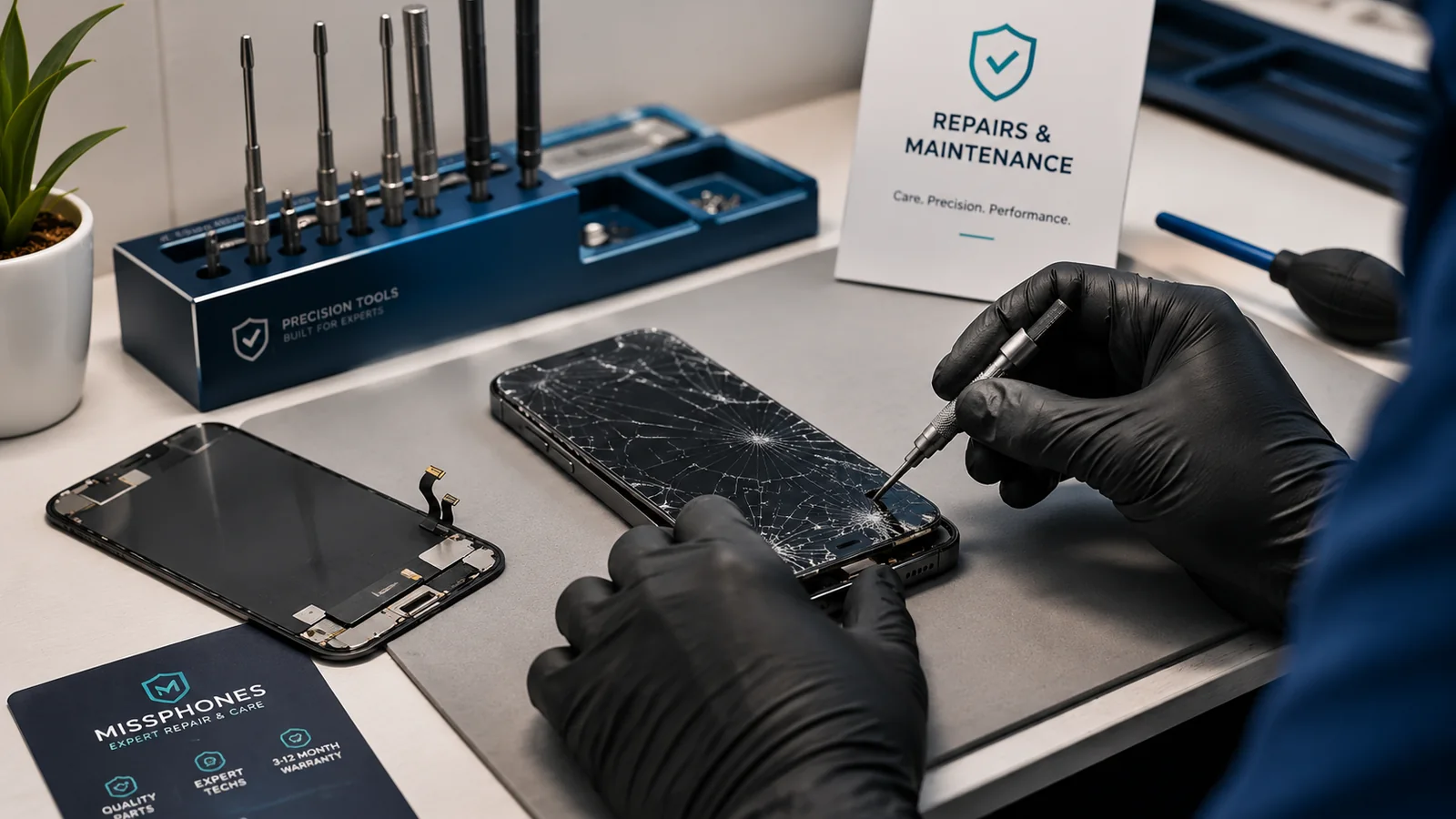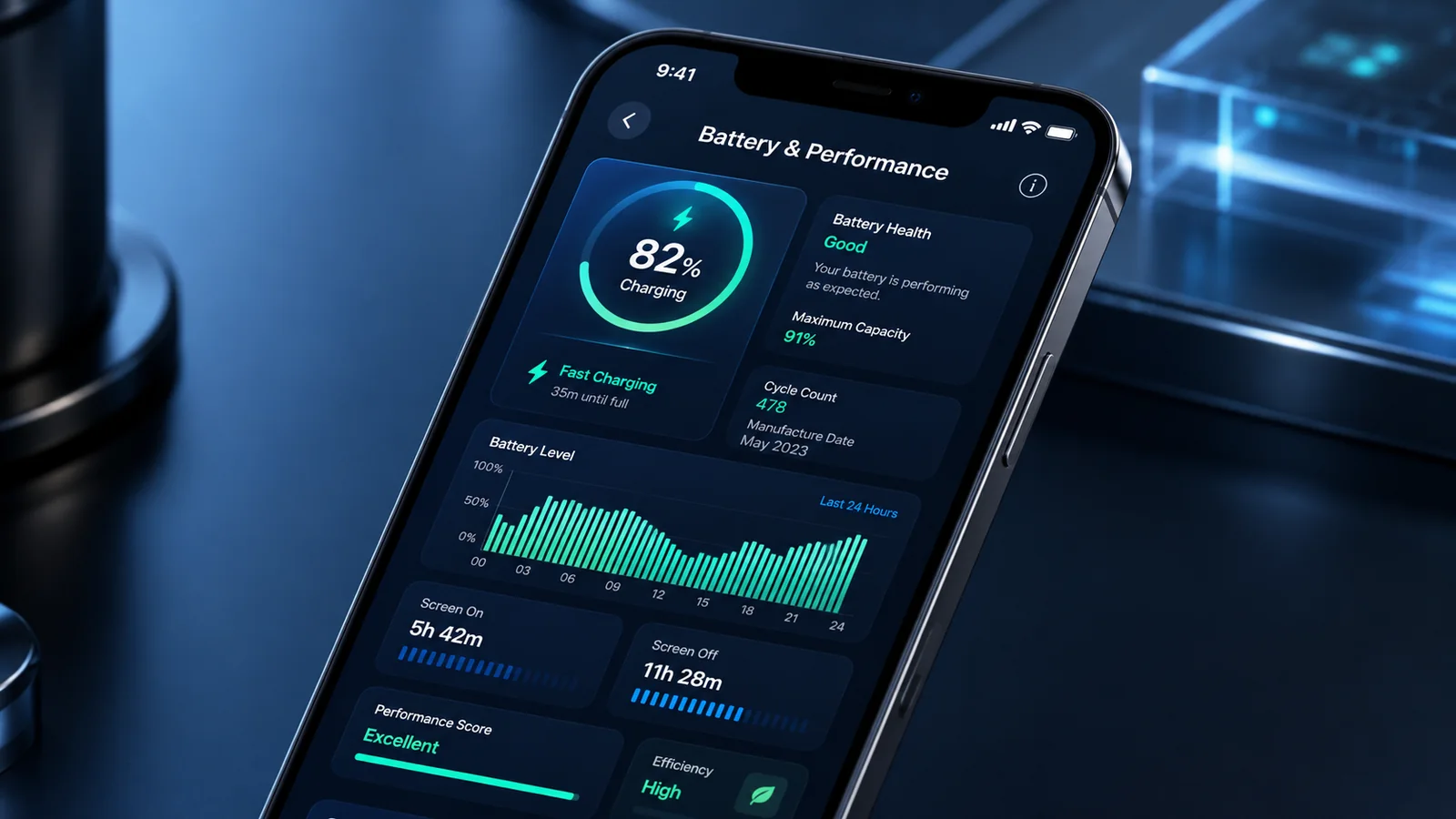
A phone can become warm during charging, gaming, navigation, setup or a large update. Overheating becomes a concern when it is uncomfortable to hold, triggers repeated temperature warnings, interrupts charging or is accompanied by swelling, smell or casing separation.
Act safely first
- Stop charging and heavy use.
- Move the phone out of direct sunlight and into a cooler, ventilated place.
- Remove an insulating case if it can be done safely.
- Do not put the phone in a fridge, freezer or against ice; rapid condensation can add damage.
- If the device is swollen, smoking, hissing or smells unusual, stop using it and seek professional safety advice.
Apple advises turning off an iPhone that displays a temperature warning and allowing it to cool away from direct sunlight. Samsung similarly advises stopping use and cooling an uncomfortable hot device.
Find the pattern
| Pattern | Likely direction to investigate |
|---|---|
| Only during fast charging | Charger, cable, case, room temperature or normal charging heat |
| During one demanding app | Workload, app fault or software issue |
| At idle or overnight | Background process, poor signal, battery or hardware fault |
| After a drop, repair or liquid exposure | Physical damage or corrosion |
| With a lifting screen or back | Possible swollen battery — stop use |
Check the non-repair causes
Install pending system and app updates, review battery-usage data, restart the phone and test without the suspect app or accessory. A new phone or recently restored phone can run background setup for a period, but persistent severe heat should not be dismissed as “normal”. Weak mobile signal can also increase radio activity; detailed network troubleshooting belongs on trendmobiles.co.uk.
When warranty or repair may apply
Heat caused by normal intensive use is not necessarily a defect. Repeated warnings during light use, charging shutdowns, rapid battery drain or swelling justify manufacturer or repair assessment. Describe the usage and temperature message accurately; do not claim accidental damage as an unexplained defect.
Long-term decision
Repeated high heat accelerates battery ageing. If the cause is an old battery, replacement may restore reliability. If the device has board damage, poor support life and several faults, replacement can be more rational.
Charging heat needs its own check
Try a known-compatible charger and cable, inspect the port for visible debris without inserting tools and avoid charging on soft furnishings. Charging may pause when a phone is too hot or cold as a protective measure. A pause is not by itself evidence that the charger or battery has failed.
Measure the pattern without risky tools
Use the phone's warnings and battery-usage information rather than relying on an uncalibrated surface-temperature app. Record whether heat occurs on mobile data, Wi-Fi, camera use, gaming, navigation or idle. The pattern helps a technician reproduce the problem.
When replacement may be safer than repeated repair
A recent supported phone with one diagnosed battery fault can be a good repair candidate. A device with corrosion, a swollen battery, board damage, repeated shutdowns and little support life is a weaker candidate even if one repair temporarily reduces heat.
After a heat-related repair
Test normal charging and ordinary workloads, then watch for recurring warnings. Keep the repair paperwork. If the phone becomes hot again during light use, stop repeating stress tests and return it under the repair warranty.
Related guidance: Insurance and Warranty links this topic to the next practical step. Use the Phone Insurance and Warranty Guide for the complete end-to-end decision.
Sources and fact-checking
Facts checked: 25 July 2026. Repair prices, parts policies and warranty terms can change. Check the exact model and current written terms before acting.