Good diagnosis separates the symptom, trigger and affected function before money is spent. It does not begin by guessing a part from one observation.
Use a safe diagnostic sequence
- Stop for safety: discontinue use if the battery is swelling, the casing is opening, the phone is smoking, smells unusual, becomes painful to touch or was recently submerged.
- Record the symptom: note the exact message, temperature warning, app, charger, network, battery level and timing.
- Remove simple variables: try a known-compatible cable or adaptor, remove a damaged case and restart when safe.
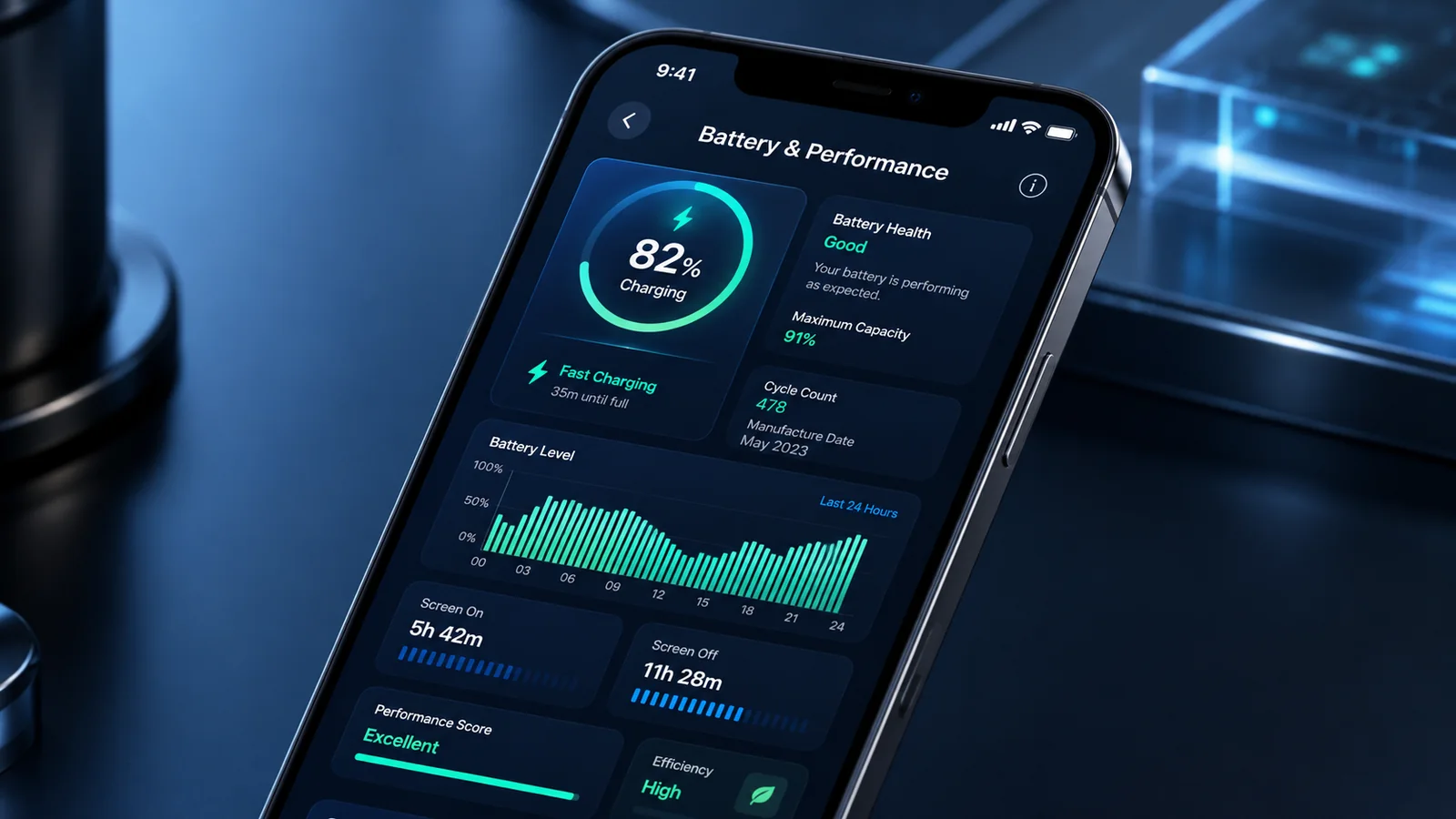
- Use built-in diagnostics: manufacturer tools may test the battery, charging, sensors, speakers and other components.
- Back up data: do this before resets, updates or repair where the phone remains safe to operate.
- Change one thing at a time: otherwise a temporary improvement does not identify the cause.
Separate software, accessory and hardware evidence
| Observation | Possible direction | What it does not prove |
|---|---|---|
| Problem appears after one app or update | Software or compatibility | That hardware is definitely sound |
| Problem changes with a cable or adaptor | Accessory or port interaction | That the battery is healthy |
| Problem follows a drop or liquid event | Physical damage | Which exact part has failed |
| Built-in diagnostic reports a fault | Useful evidence for service | That only one component needs replacement |
Do not factory-reset too early
A reset can be appropriate after backup when credible evidence points to software and less destructive checks have failed. It is not a sensible first response to a cracked board, liquid exposure, swelling or intermittent storage failure. A reset also destroys logs and may complicate data recovery.
Prepare for a repair diagnosis
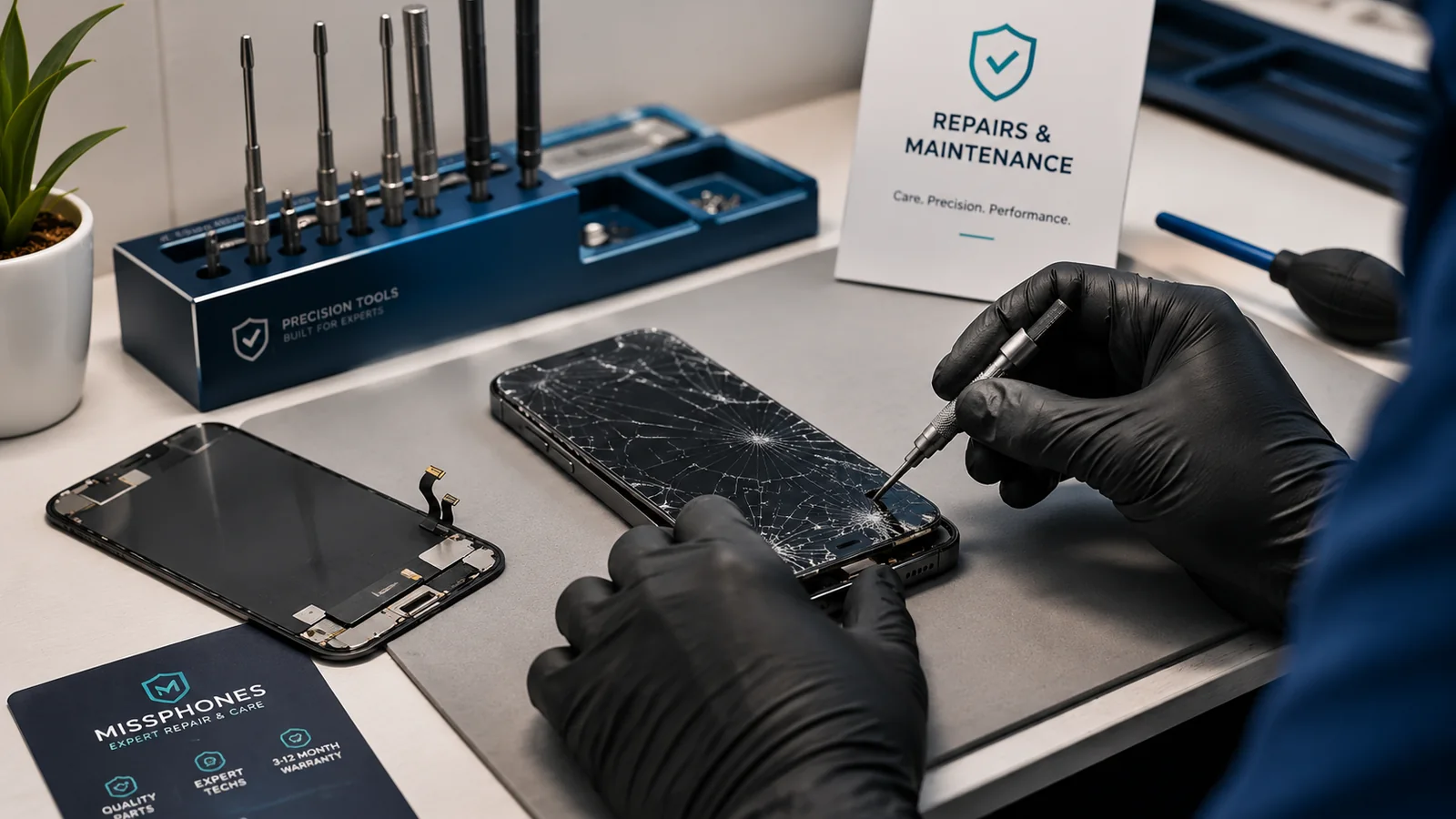
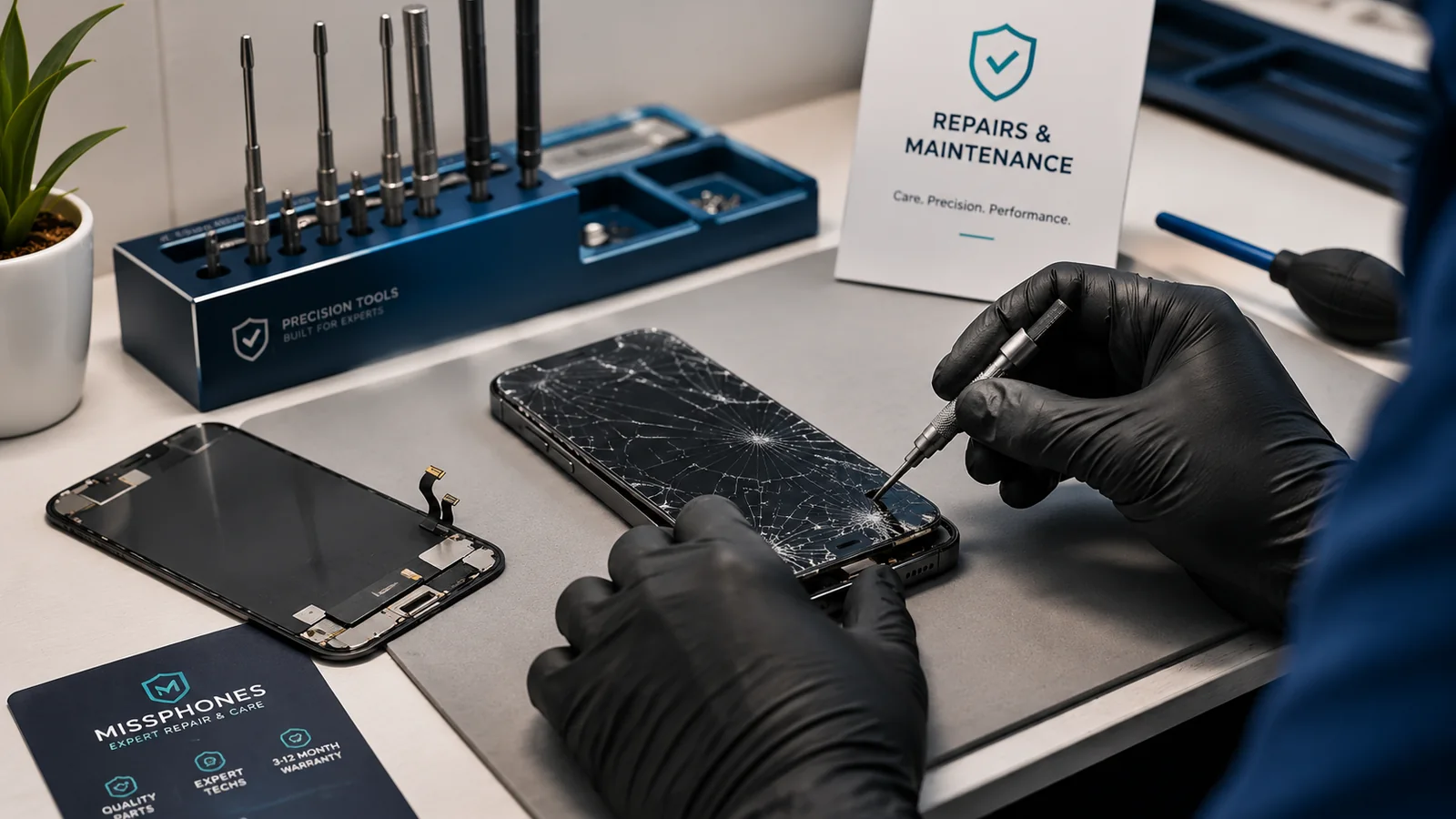
Take the phone, charger and a concise timeline. Explain whether the issue is reproducible. Ask the repairer to distinguish confirmed findings from possibilities and to obtain approval before exceeding a cost ceiling.
Next steps for Diagnosing Phone Problems
Use the overheating guide, the slow-phone decision guide or the water-damage hub for the relevant symptom.
Use a symptom log
Record date, battery level, charger, app, temperature warning, network condition and whether the fault can be reproduced. Video can be useful for intermittent display, sound or restart faults. Do not deliberately recreate a dangerous heat, charging or liquid event.
Separate repairability from data recovery
A phone can be uneconomic to restore for daily use but still worth a specialist attempt to recover local data. State the priority before the repairer chooses a board replacement, factory reset or whole-device exchange.