Battery care should make the phone easier to own, not turn charging into a full-time task. Reduce heat, use built-in charging optimisation and remove wasteful activity that does not serve you.
Reduce heat first
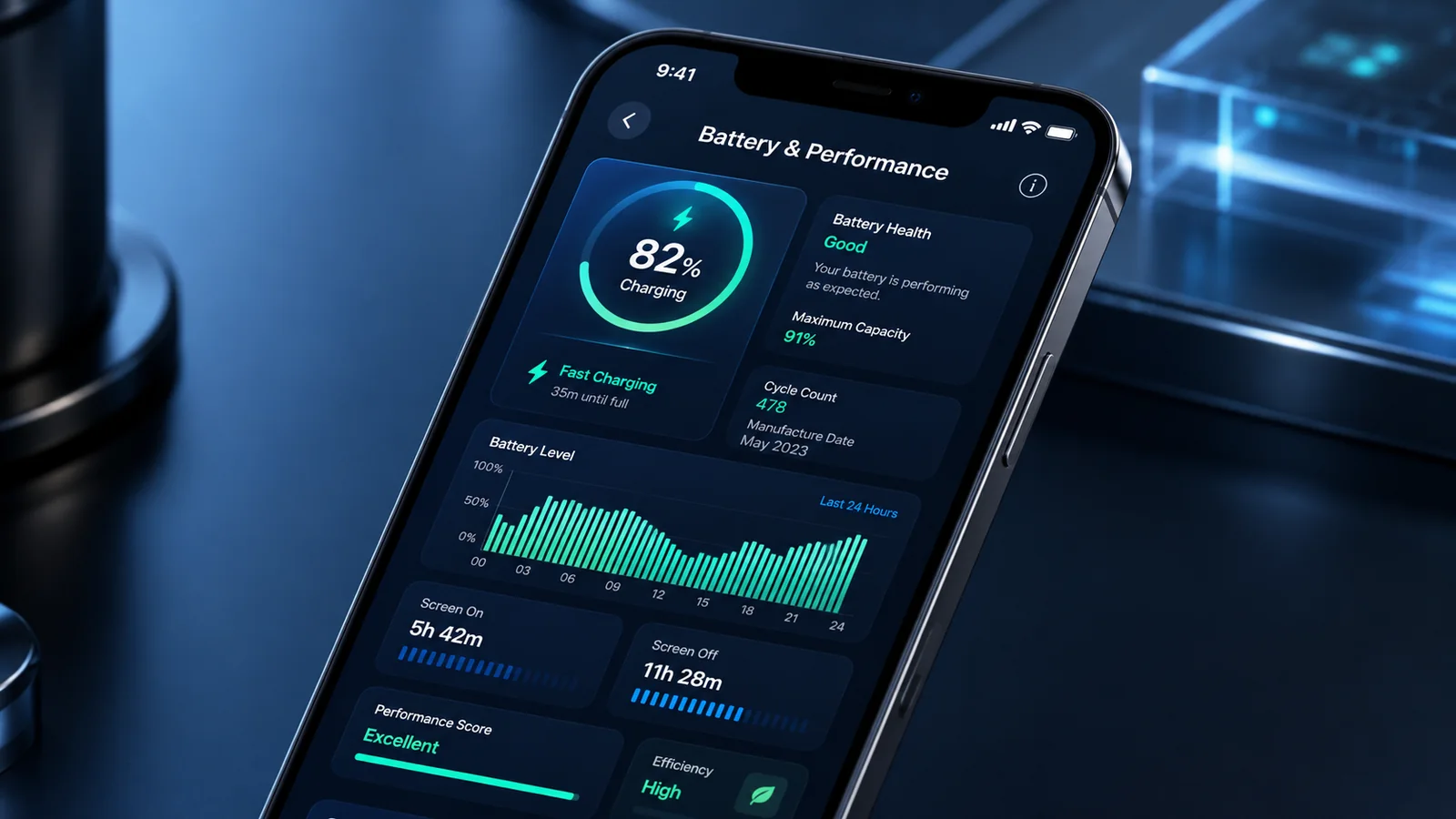
- Do not charge in direct sun, a hot car or under bedding.
- If the phone becomes unusually hot during fast charging, stop heavy use and move it to a cooler, ventilated place.
- Remove an insulating case if the manufacturer guidance and conditions make this safe.
- Use compatible, undamaged charging equipment from a trustworthy source.
Use charging optimisation
Supported iPhones, Pixels and Galaxy phones offer features that reduce time at full charge or limit charging. Leave these features enabled unless a full charge is genuinely needed. The menu and behaviour differ by model.
Avoid repeated extremes without obsessing over percentages
Partial charging is normal for lithium batteries. You do not need to discharge to zero before charging. Keeping the battery away from repeated complete discharge and long hot periods at full charge can help, but an occasional full charge for a long day is not a failure.
Reduce daily drain that has no value
- lower unnecessary screen brightness and shorten timeout;
- review apps with high background use;
- remove unused always-on location or notification permissions;
- use battery-saver features when appropriate;
- keep software and apps current where updates are supported.
Do not routinely force-close every app: modern operating systems manage suspended apps, and repeatedly reopening them can use additional energy. Close an app when it is malfunctioning, not as a ritual.
Separate daily runtime from long-term lifespan
Airplane mode, dimming the screen and battery saver can extend today's charge. Heat reduction and charging optimisation are more directly relevant to long-term ageing. A phone that still cannot meet your day after sensible changes may need battery diagnosis rather than more restrictive settings.
Storage
If a phone will be unused for months, follow the manufacturer's storage guidance and avoid leaving it fully depleted. Check it periodically. Never store a swollen or damaged device.
Do not disable useful features for tiny savings
Turning off Bluetooth, Wi-Fi, notifications or location can reduce use in some situations, but the saving depends on how the phone and apps behave. Disable functions that are genuinely unnecessary, not services needed for watches, hearing devices, safety or work.
Weak signal can raise power use
A phone may work harder in poor coverage. If drain is strongly location-dependent, recognise that pattern before blaming the battery. Detailed signal and network-setting troubleshooting belongs to trendmobiles.co.uk, but the ownership decision should account for the networks and places you actually use.
Overnight charging is mainly a heat question
Modern supported phones manage charging and may delay the final portion. Overnight charging is not automatically harmful. Keep the phone uncovered and ventilated, use safe equipment and leave charging optimisation enabled. Replace damaged cables or adaptors.
Know when habits cannot solve ageing
Power-saving settings can extend each charge but cannot restore lost chemical capacity. If maintaining a usable day requires extreme restrictions, check battery health and compare replacement cost with the phone's remaining useful life.
Related guidance: Return to Cost of Ownership for related options, then use the Smartphone Cost of Ownership Guide before committing to the final choice.
Sources and fact-checking
Facts checked: 25 July 2026. Repair prices, parts policies and warranty terms can change. Check the exact model and current written terms before acting.