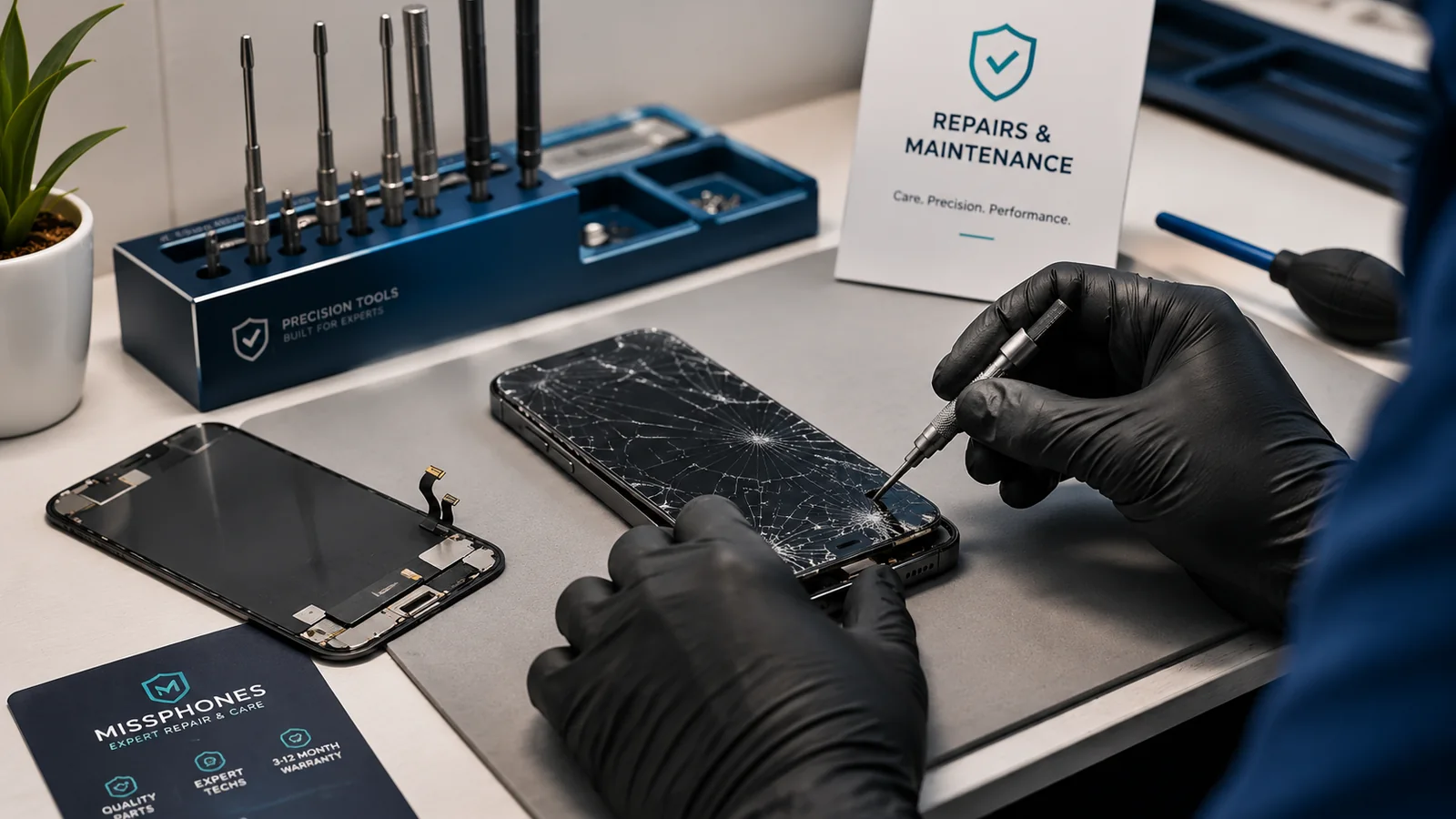
This section covers the practical service decision after battery ageing has been confirmed. A replacement can extend useful life, but the part, repair route, sealing and warranty all matter.
Scope of this page: This page is about deciding whether and how to replace a battery, including cost, repair quality and water-resistance implications. It is not a general battery-science explainer.
Choose the next guide
- For the financial decision, read Is Replacing a Phone Battery Worth It?.
- For service routes and quote structure, read Phone Battery Replacement: Cost and Options.
- For sealing, read Does Replacing the Battery Affect Waterproofing?.
- Before booking, read How to Choose a Repair Shop.
Confirm that replacement addresses the symptom
Short runtime, shutdowns and a service warning can support battery replacement. Failure to charge can also come from a cable, adaptor, port, moisture or board fault. Ask whether diagnosis is included before authorising the part.
What a complete battery service should explain
- the part and whether it is new;
- installation, adhesive and configuration;
- testing after repair;
- data-erasure risk;
- repair warranty;
- water-resistance or sealing position;
- safe recycling of the old battery.
Never DIY a swollen battery
A swollen cell can be damaged by pressure or puncture. Stop using and charging the device and arrange professional handling. Do not post a visibly damaged battery unless the carrier and service provide an approved process.
Before handing over the phone
Back up data, record the IMEI and condition, remove payment cards or follow the manufacturer's service preparation instructions, and confirm whether the passcode is required. Do not erase the phone until you understand whether diagnostics or data preservation are needed.
After the replacement
Check charging, temperature, cameras, sound, biometrics and wireless charging where applicable. Keep the invoice and warranty. If the phone reports an unknown part, configuration problem or service message, raise it immediately rather than assuming it will disappear.
Reference points for current UK rules: Battery Replacement
- Samsung: battery inspection and replacement
- Apple: service and repair
- Google Pixel: battery health and replacement guidance
What can change the answer on Battery Replacement
- Repair quality matters:ask what part is being fitted, what repair warranty applies and what opening the device means for seals or water-resistance claims.
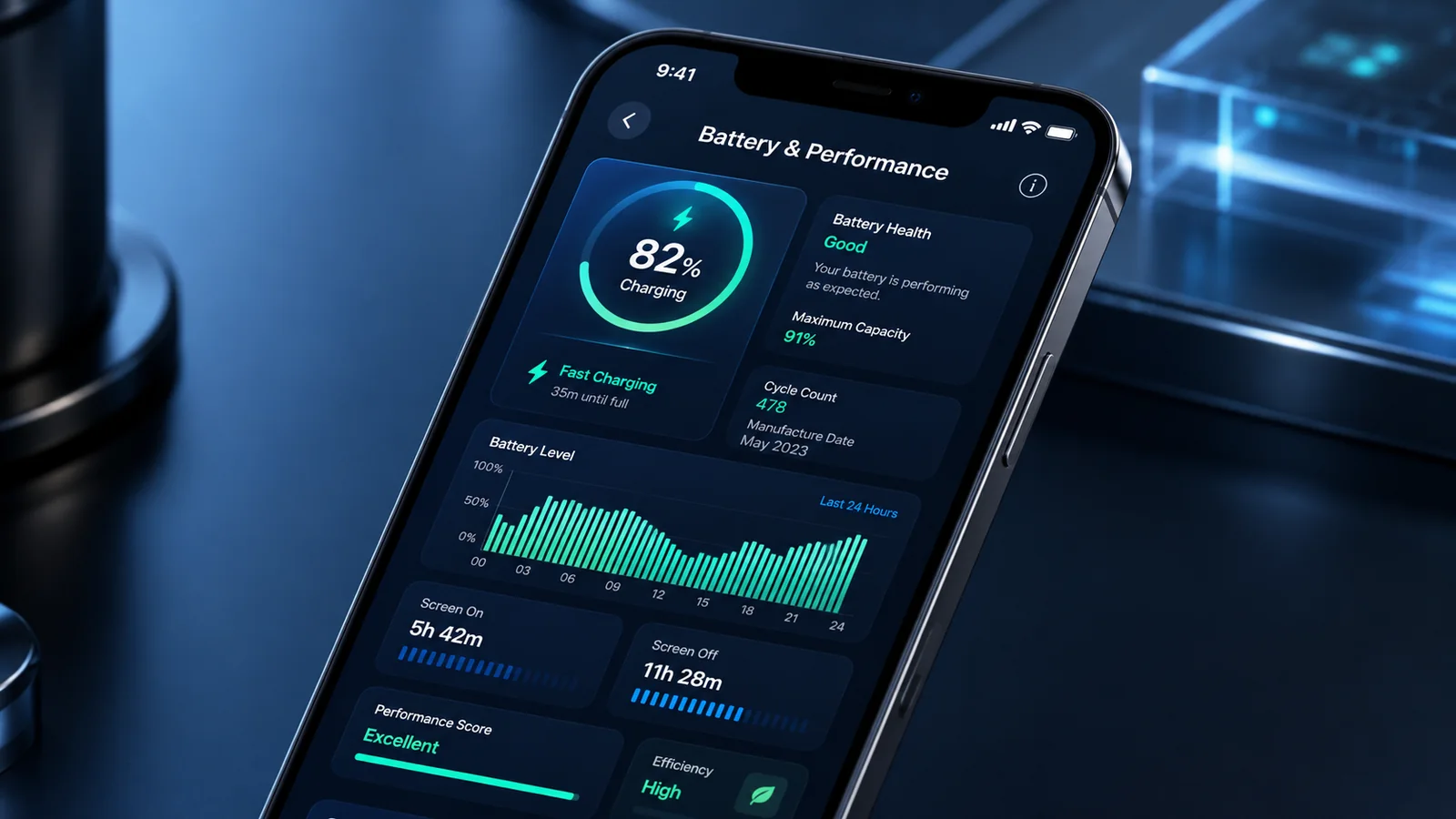
- Battery condition, not just percentage:read any battery-health figure alongside real runtime, unexpected shutdowns, heat and charging behaviour rather than treating one percentage as a complete diagnosis.
- Separate capacity from charging faults:distinguish poor runtime from slow charging, damaged cables, port problems, temperature limits or software settings before paying for a replacement battery.
- Replacement economics:compare a reputable battery replacement with the phone’s remaining software support, overall condition and expected resale value.

