
Battery health is best checked with the phone's own diagnostic information, observed runtime and symptoms. A third-party app estimate can add context, but it should not be treated as laboratory measurement.
iPhone
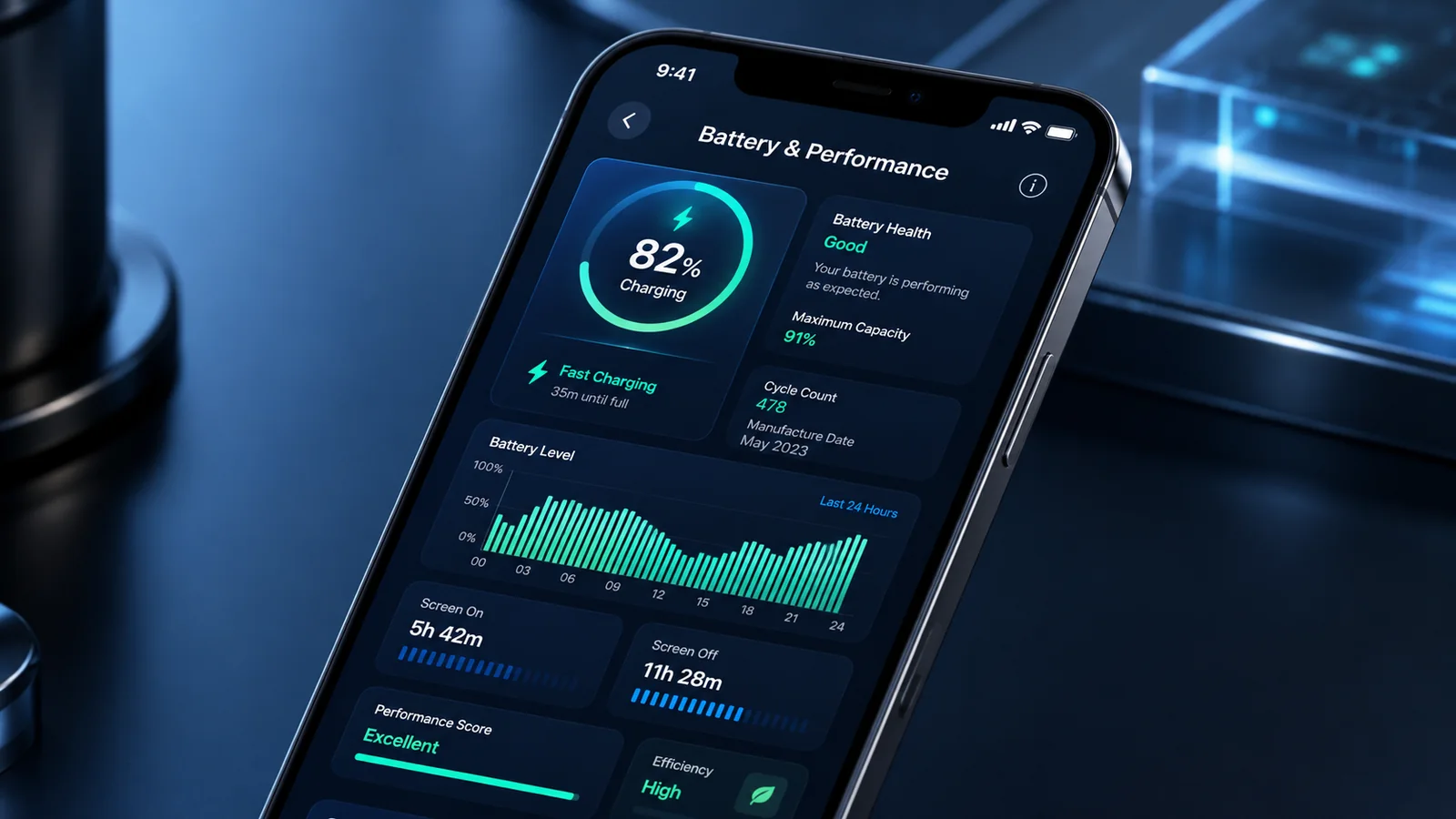
On supported iPhones, open the Battery section in Settings and use Battery Health or Battery Health & Charging. Depending on the model and software, you may see maximum capacity, cycle count, manufacture information, peak-performance status or a service recommendation. Apple changes the available fields by generation.
Samsung Galaxy
On supported Galaxy devices, Samsung Members can run Phone diagnostics and report Battery status. The result is not necessarily a directly comparable percentage to Apple's maximum capacity. Use Samsung's own interpretation and combine it with runtime and charging behaviour.
Google Pixel
Supported Pixel phones can provide Battery health and Charging optimisation information in Settings. Availability varies by model and software. Google may also publish model-specific battery programmes, so check the exact device rather than assuming a generic Pixel rule.
Other Android phones
Some manufacturers provide built-in diagnostics; others provide limited information. Avoid entering sensitive permissions into an unknown “battery health” app merely to obtain a precise-looking percentage. Capacity estimates can vary after updates, resets or changes in use.
Interpret the result
| Evidence | Meaning |
|---|---|
| Lower capacity but stable all-day use | Ageing is present but replacement may not yet add practical value |
| Normal-looking health with sudden drain | Investigate apps, signal, updates and accessories |
| Unexpected shutdowns or service warning | Professional battery assessment is more justified |
| Swelling or casing separation | Stop use and charging; treat as a safety issue |
Keep a short evidence log
Record health status, cycle count if available, screen-on use, overnight drain and charging interruptions. Repeat under comparable conditions. This is more useful to a repairer than one screenshot taken immediately after an update.
Run a simple real-world runtime test
Charge normally, note the starting level and use the phone through a representative period. Record screen time, major apps, signal conditions and ending level. Repeat on another day. This will not produce laboratory capacity, but it shows whether the battery can meet your actual routine.
Check charging behaviour
Note whether the phone pauses at a configured charge limit, reports charging on hold because of temperature, charges only with one cable or loses power while connected. These observations can point to settings, accessories, port contamination or heat rather than capacity alone.
Do not buy a used phone from a screenshot alone
A seller's old battery-health screenshot may not belong to the exact device or reflect current condition. Check the figure on the phone, compare identifiers and perform a short functional test. On Android, ask how the status was obtained and whether it comes from a built-in tool.
When to book service
Book assessment when the health tool recommends service, runtime is no longer usable, shutdowns occur under normal load, charging is unreliable after accessories are checked, or the casing is opening. Swelling requires immediate discontinuation of use rather than further testing.
Related guidance: Return to Cost of Ownership for related options, then use the Smartphone Cost of Ownership Guide before committing to the final choice.
Sources and fact-checking
Facts checked: 25 July 2026. Repair prices, parts policies and warranty terms can change. Check the exact model and current written terms before acting.