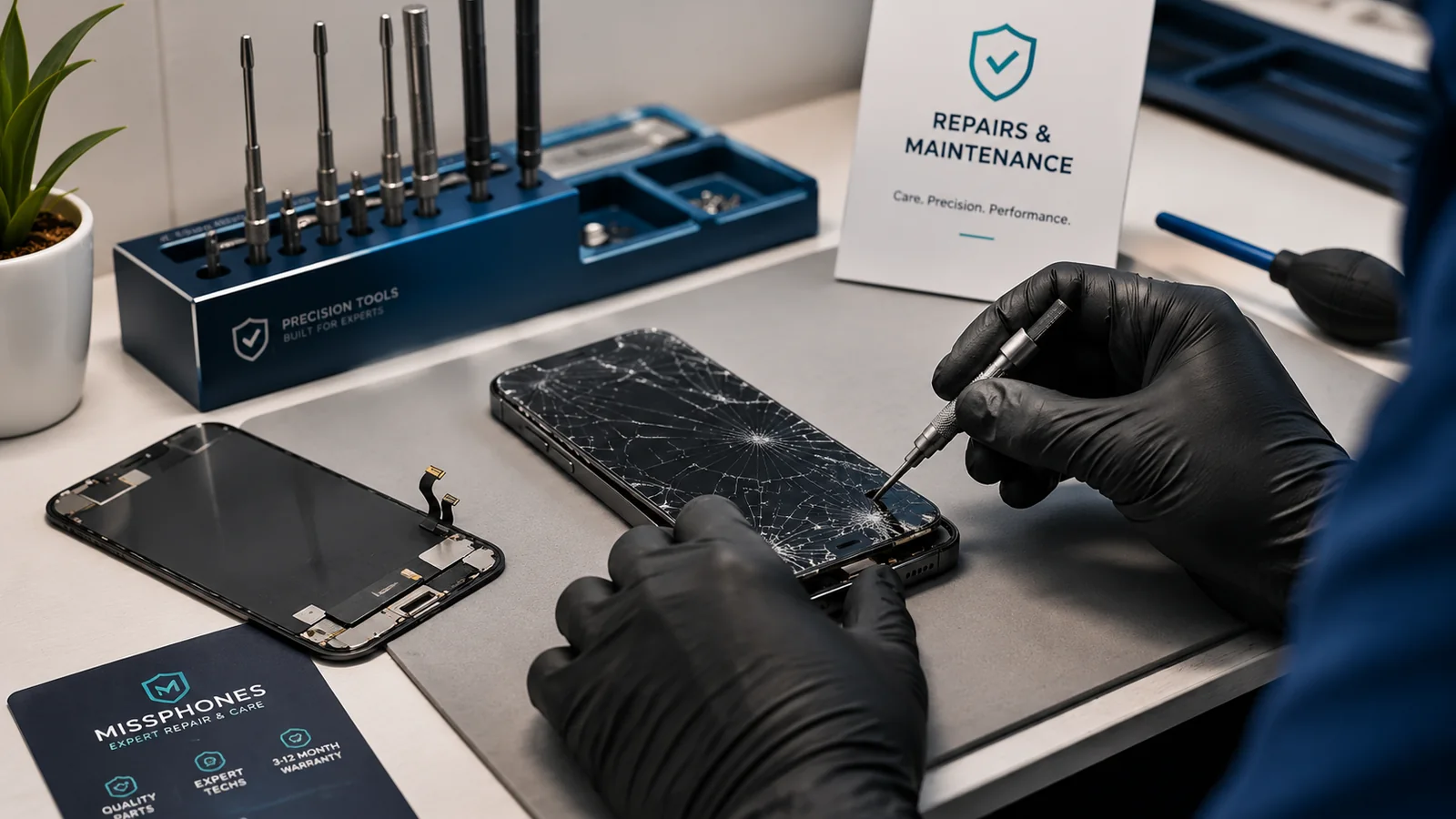
A symptom does not identify a failed part. Heat, slow performance, poor charging and water exposure can each have software, accessory, battery or hardware causes. This section helps you decide what can be checked safely and when to stop using the phone.
Choose the symptom route
| Symptom | Start here | Urgent warning |
|---|---|---|
| Phone is unusually hot | Phone Overheating: Causes and Solutions | Swelling, smoke, smell, pain to touch or repeated temperature shutdowns |
| Phone is slow | Phone Running Slowly | Slowness with swelling, liquid exposure or storage failure warnings |
| Phone got wet | What to Do If Your Phone Gets Wet | Do not cable-charge a wet phone |
| Fault is unclear | Diagnosing Phone Problems | Do not repeatedly power a damaged or wet phone |
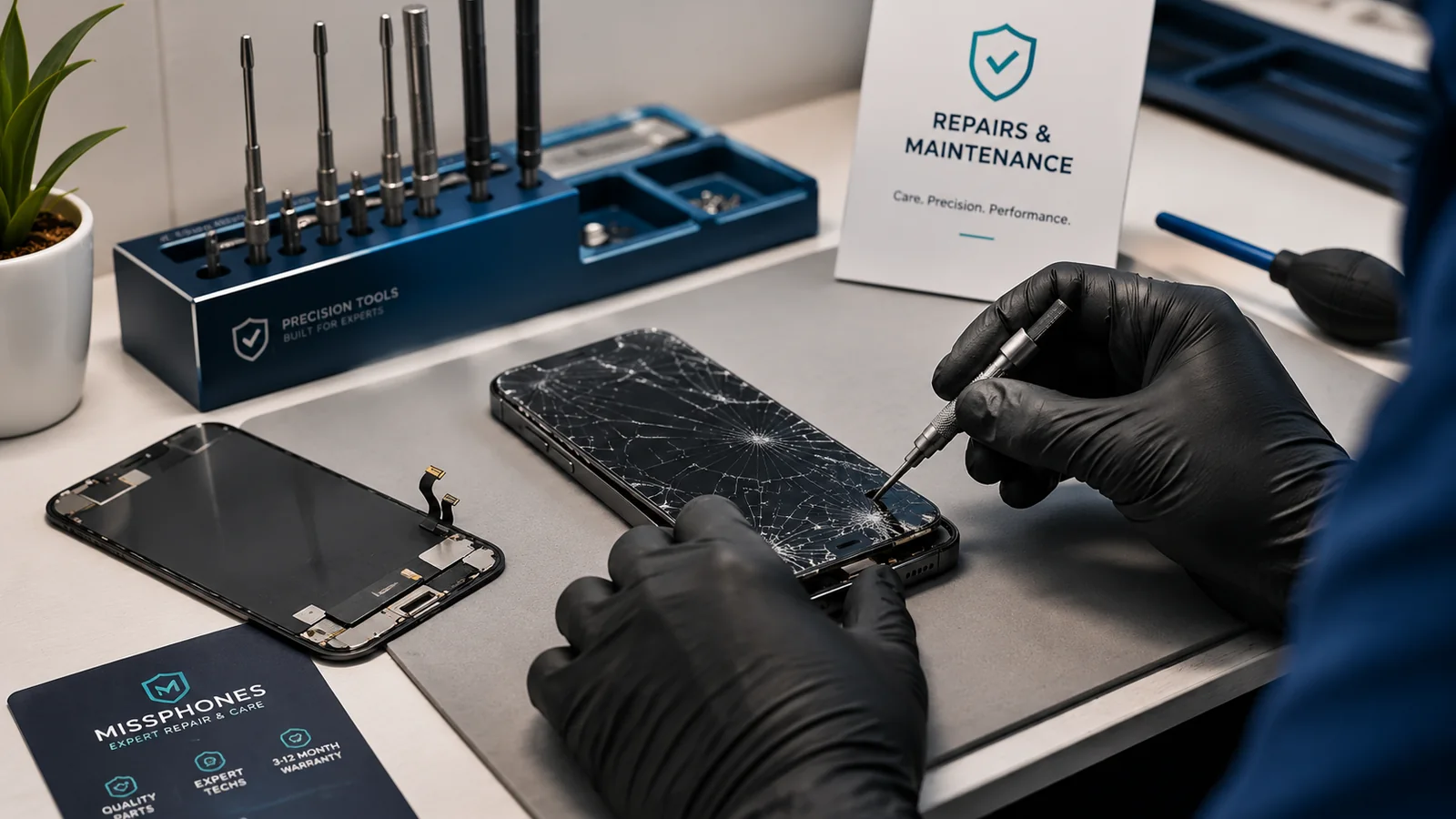
| Screen is cracked | Repair vs Replace a Cracked Screen | Sharp glass, lifting display or loss of touch |
Keep network troubleshooting outside this site
Detailed signal, Wi-Fi, Bluetooth, SIM and network-setting instructions belong to the separate network-support project, not this buying-and-ownership guide. On missphones.co.uk, connectivity matters only when deciding whether damage is likely to require repair or replacement.
Record before changing anything
Note when the problem began, whether there was a drop, liquid exposure, repair, update or new accessory, and whether the fault occurs in safe mode or after restart where applicable. Back up data before a reset or repair. Do not use a factory reset as the first step when the phone is physically damaged or the data is not backed up.
Know when diagnosis has value
A paid diagnosis is useful when the remedy depends on whether the failure is a replaceable module or a board-level fault. Ask what the fee covers, whether it is deducted from a repair and what evidence you will receive.
Safety and ownership come before troubleshooting
Back up a safe, functioning phone before experimenting. If a fault followed a recent purchase or repair, preserve evidence and contact the responsible trader before authorising another shop to open the device. A second repair can make the original cause harder to prove.
Evidence and official references: Phone Repair Common Issues
Before deciding on Phone Repair Common Issues
- Eligibility and evidence:confirm purchase-age rules, proof-of-purchase requirements, security features and any time limit for registering the device or reporting an incident in this specific comparison.
- Overlap:check manufacturer warranty, retailer rights, home insurance, bank-account benefits and separate gadget cover so you do not pay twice for the same risk while still missing an important exclusion before applying it to this particular case.
- What event is actually covered:read the policy definition for accidental damage, theft, loss and liquid damage rather than assuming the product name includes them all in this specific comparison.
- Excess and claim limits:add the excess to the premiums you expect to pay and check claim limits, depreciation, replacement type and any maximum value using the assumptions relevant to this guide.