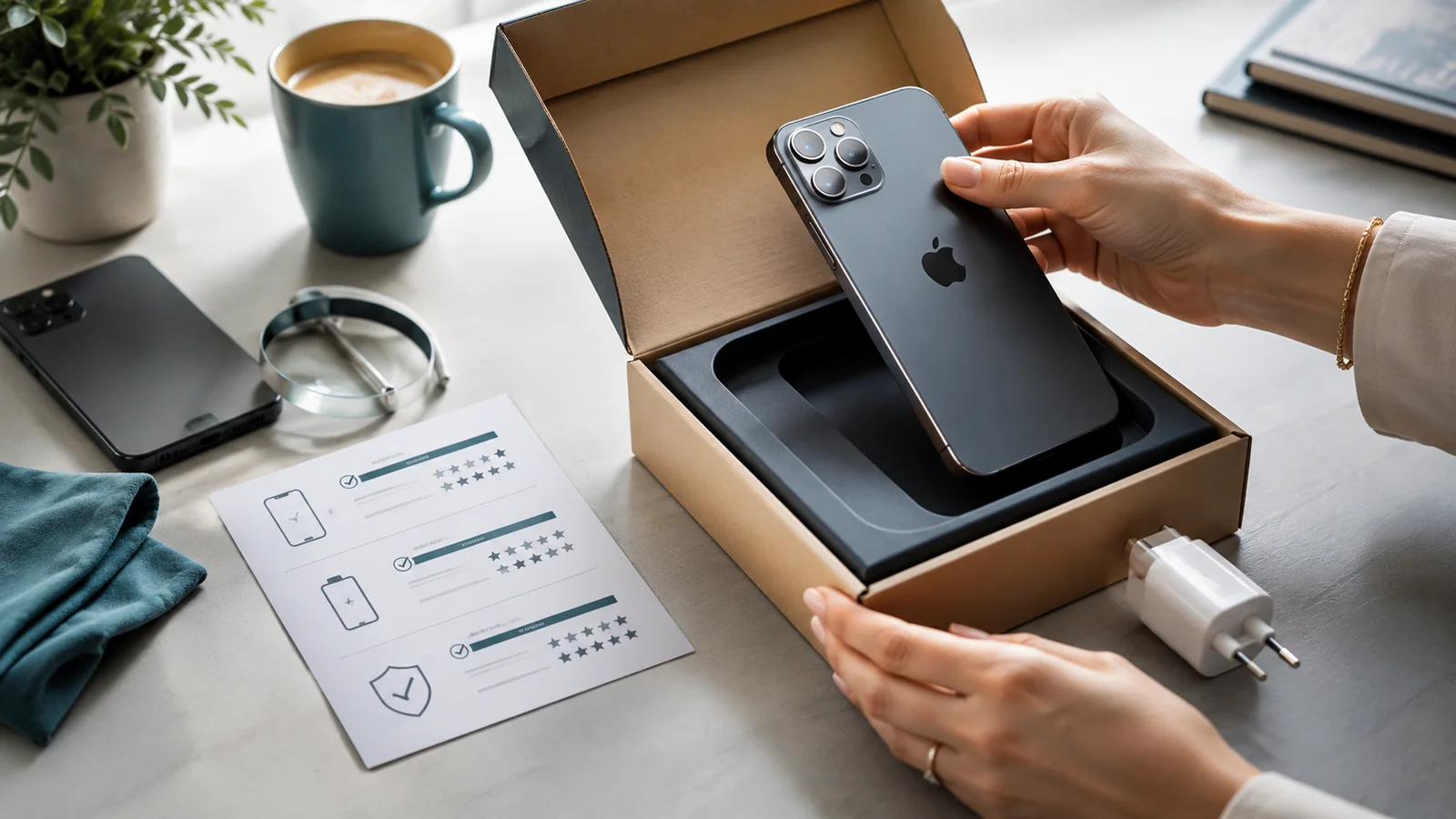
Protection should match the damage you are actually likely to cause. A bulky case is not automatically better, a screen protector cannot prevent every display failure and an IP rating is not permission to expose a phone deliberately to water.
Choose a case by the risk

| Risk | Useful feature |
|---|---|
| Corner and edge drops | Secure fit, reinforced corners and a raised screen edge |
| Camera impact | A lip that sits above the camera lenses without obstructing them |
| Frequent outdoor or worksite use | Grip, port protection and a case tested for the relevant environment |
| One-handed use | A case that improves grip without making the phone too wide or heavy |
A screen protector mainly addresses surface scratches and some direct impacts. It does not reinforce a bent frame or guarantee that the display panel survives a corner drop. See Phone Cases: What You Actually Need and Screen Protectors: Tempered Glass vs Film.
Treat water resistance as a limited design feature
Water resistance is tested under controlled conditions and can reduce with wear, impact or repair. Keep the phone away from salt water, steam, pools, sugary drinks and deliberate immersion. Do not assume a warranty or insurance policy covers liquid damage merely because the model has an IP rating.
Control heat and charging stress
- Do not leave the phone in a hot vehicle or direct sun.
- Stop intensive use if the device shows a temperature warning.
- Use compatible, traceable charging equipment in good condition.
- Replace frayed cables and loose or overheated adaptors.
- Do not charge a swollen, punctured or visibly distorted phone.
Build a low-cost damage routine
- Check the case fit and screen edge after any hard drop.
- Keep liquids away from the charging area.
- Use a stable surface rather than balancing the phone while charging.
- Back up data so physical damage does not become a data emergency.
- Record existing damage before a repair, trade-in or insurance claim.
If the phone becomes wet, follow What to Do If Your Phone Gets Wet. If the screen or back begins to lift, stop charging and treat battery swelling as a safety concern.
Sources checked
Information checked on 26 July 2026. This is general UK guidance, not legal, tax or security advice. Terms, complaint routes and platform features can change, so confirm the current wording before acting.