There is no universal battery-health percentage that makes every refurbished phone a good or bad purchase. The acceptable level depends on the model, how long you need it to last each day, the seller's promise, the replacement cost and the price difference between available phones.
Editorial starting point: 90% or more is reassuring, 85–89% is often workable, 80–84% needs a realistic replacement plan, and below 80% should normally be reflected clearly in the price. These are shopping thresholds, not legal or manufacturer standards.
What the percentage does — and does not — tell you
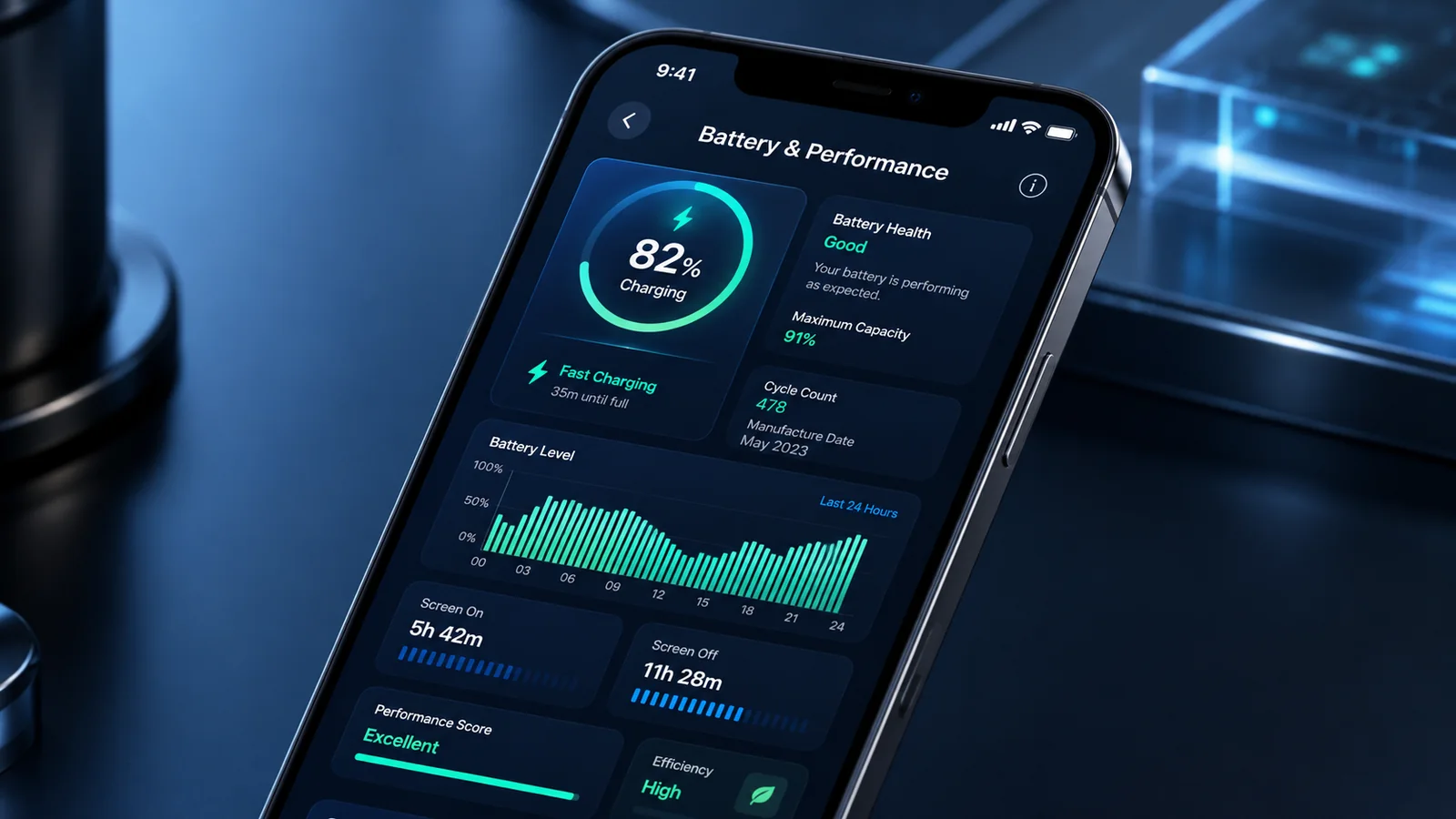
A reported maximum-capacity figure estimates how much charge the battery can hold compared with its original capacity. It is not the phone's current charge level, and it is not a laboratory measurement of future runtime.
For example, a phone that reports 85% capacity may still last comfortably through a light day, while a smaller or power-hungry model at 90% may not. Signal strength, screen brightness, camera use, background apps, temperature and software all affect endurance.
Use a range, not a magic pass mark
| Reported condition | How to interpret it | Buying approach |
|---|---|---|
| 90% and above | Relatively limited measured capacity loss | Still run a practical battery test and check whether the figure is verified by the device |
| 85–89% | Noticeable ageing may exist, but many users can still have acceptable daily endurance | Compare the saving with the price of a future replacement |
| 80–84% | Reduced runtime is more likely to affect heavier use | Buy only where the price, replacement route and remaining support life make sense |
| Below 80% | Substantial capacity loss or a service recommendation may be present | Treat battery replacement as an expected cost unless the seller replaces it before dispatch |
Do not use this table to reject a phone mechanically. A recent quality replacement battery, a small price, light use or easy repair can change the decision. Equally, a high reported percentage does not rule out heat, shutdowns, poor calibration or an unverified part.
Apple percentages are model-specific references
On supported iPhones, Maximum Capacity appears in Battery Health. Apple states that batteries in iPhone 14 models and earlier are designed to retain 80% of original capacity at 500 complete charge cycles under ideal conditions. For iPhone 15 models and later, the design reference is 80% at 1,000 cycles. Actual capacity depends on use and charging.
These figures are not a buying warranty and should not be applied to every Android phone. Check for service messages, parts warnings, cycle information where available, unexpected shutdowns and rapid drops in charge.
Android battery information is less standardised
Some Android manufacturers provide their own diagnostics. Samsung, for example, offers a battery-status test in Samsung Members on supported Galaxy devices. Other phones may show only a broad status, require a service diagnostic or provide no reliable percentage in ordinary settings.
A third-party app can estimate capacity, but its result depends on the data available and the length of the test. Do not treat one app reading as conclusive proof of battery condition.
Ask the seller exactly what its promise means
“Battery tested” can mean anything from “the phone switches on” to a measured minimum capacity. Ask:
- What minimum result is guaranteed?
- How is it measured?
- Is the battery original, used, new or compatible replacement?
- Will the phone display a parts or verification warning?
- Is battery failure covered for the full warranty period?
- What remedy applies if the phone arrives below the stated threshold?
Save the answer. A precise written promise is more useful than a vague badge on the listing.
Calculate the replacement decision before buying
Illustrative example: one phone costs £260 with 86% reported capacity; another costs £300 with 94%. If a suitable battery replacement would cost £70, the cheaper phone is not automatically better or worse. Consider how soon you might need the repair, whether the model will still receive updates afterwards and whether the replacement preserves features such as battery reporting or water resistance.
Use the expected total cost over your planned ownership period, not the battery percentage alone.
Run a practical test after delivery
- Install current software updates.
- Charge the phone using a known-good compatible charger.
- Use it for calls, browsing, video, camera and navigation in a normal pattern.
- Watch for rapid drops, heat, shutdowns, charging interruptions or a lifting display.
- Compare the result with the seller's written promise while the return window is open.
A swollen battery, separated screen or unusual chemical smell is a safety issue. Stop using and charging the phone and contact the seller rather than treating it as a discount opportunity.
For the wider purchase, return to the refurbished phone buying guide or follow the arrival checklist.



