
Do not treat delivery as the end of the buying process. The first day is your best opportunity to compare the phone with the listing, record its condition and find faults before the evidence becomes harder to separate from your own use.
Before setup: save the listing, grade definition, battery promise, order confirmation and returns instructions. Keep the packaging until you decide to keep the phone.
1. Record the parcel and condition
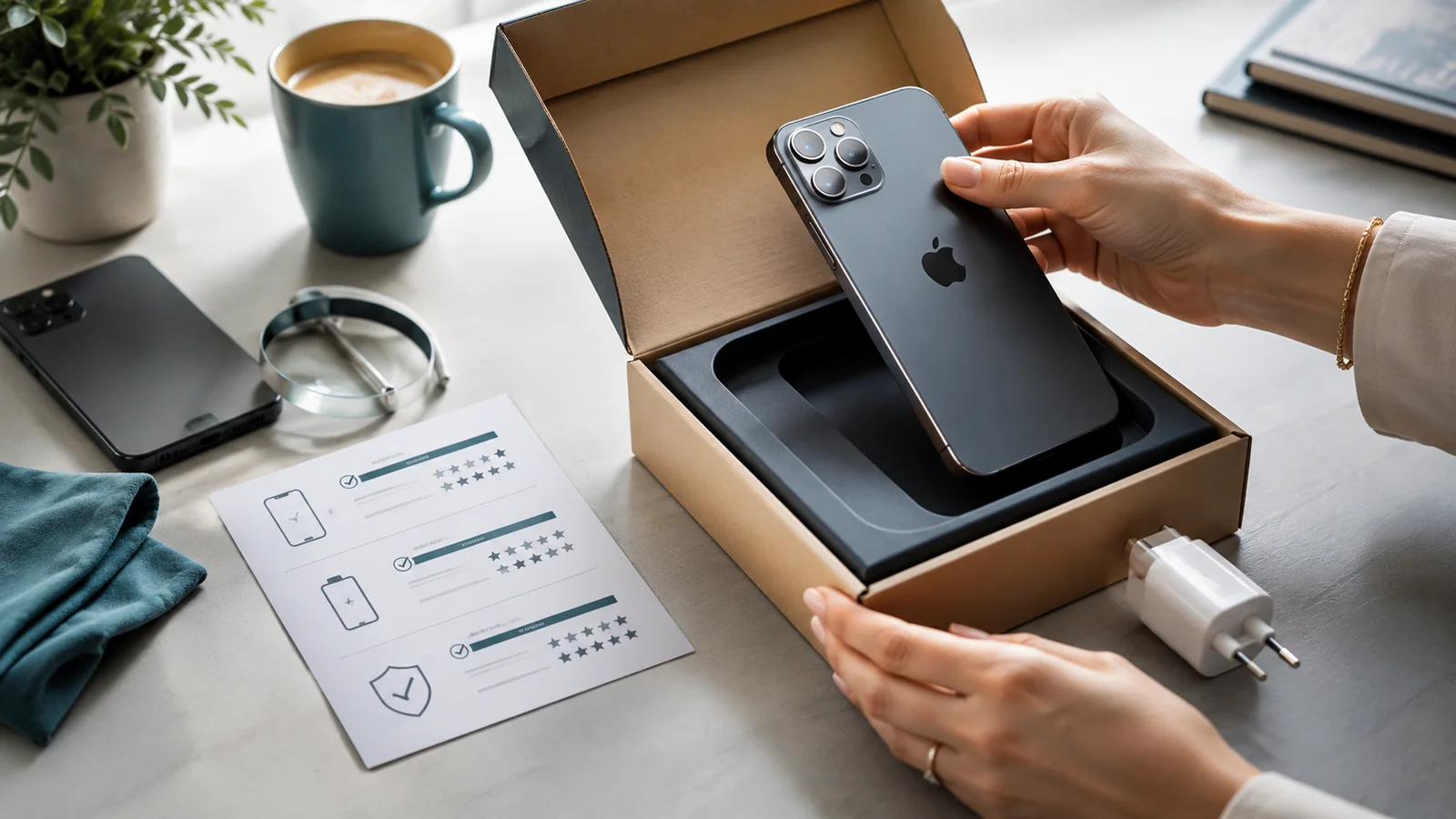
- Photograph all sides of the parcel before opening where damage is visible.
- Open it carefully and keep labels, inserts and supplied accessories.
- Photograph the front, back, frame, corners, ports and camera area in good light.
- Compare the actual wear with the saved grade description and any individual photographs.
A refurbished phone can show the wear allowed by its description. It should not arrive with undisclosed cracks, severe dents, a lifted screen, damaged camera glass or missing items that were promised.
2. Match the device to the order
| Check | Why it matters |
|---|---|
| Exact model and regional variant | Confirms network, feature and repair compatibility |
| Storage and colour | Prevents an apparently small substitution becoming permanent |
| Serial number and IMEI | Links the phone to the invoice and exposes unexplained mismatches |
| Included accessories | Confirms the contents match the listing |
A mismatch does not automatically prove fraud: replacement packaging and service devices exist. Ask for a written explanation and do not proceed where the seller cannot reconcile the details.
3. Clear activation and account barriers
Complete the model-specific setup far enough to confirm that the previous owner is no longer blocking activation.
- iPhone: do not keep a device that asks for the previous owner's Apple Account or displays Activation Lock.
- Android: make sure Factory Reset Protection or a manufacturer account does not require the previous owner's credentials.
- Managed devices: watch for business or school enrolment screens that prevent normal personal setup.
Do not send your identity documents or account password to a seller as a supposed way to clear somebody else's lock.
4. Inspect the screen, frame and battery safety
- Look for deep scratches, chips, dead pixels, discolouration, burn-in, flicker and uneven brightness.
- Type across the keyboard and drag an icon around the display to find dead touch areas.
- Check that the frame is straight and the screen and rear panel sit evenly.
- Stop using the phone if the display is lifting, the body is separating or the battery area is swelling.
If a fault is intermittent or difficult to classify, compare it with Signs a Used Phone Has Problems.
Use the cosmetic versus functional damage guide where a mark is difficult to judge.
5. Check battery information and real-world behaviour
Compare the device's available battery information with the seller's promise. On iPhone, check Battery Health and any service or verification message. On supported Samsung Galaxy devices, Samsung Members can provide a diagnostic status. Other Android devices vary.
Then perform a practical test:
- Install current software updates.
- Charge using a suitable known-good charger and cable.
- Use browsing, video, camera, navigation and a call.
- Observe rapid drops, heat, shutdowns and charging interruptions.
Do not judge the battery from the first few minutes after a major update or restore, when background activity can be unusually high. Look for repeatable behaviour.
6. Run a complete function test
| Area | What to test |
|---|---|
| Cameras | Every available lens, focus, flash, video and front camera |
| Sound | Speakers, earpiece, microphones and vibration |
| Controls | Power, volume, mute or Action controls and biometric security |
| Charging | Port, cable fit, suitable wired charging and wireless charging where supported |
| Connections | Wi-Fi, Bluetooth, GPS, mobile service and SIM or eSIM compatibility |
| Sensors | Auto-rotation, proximity behaviour and brightness adjustment |
Run the manufacturer's built-in diagnostic tools where available, but do not let a “pass” replace normal use. Intermittent faults can appear only during charging, heat or movement.
7. Check parts and repair information
On supported iPhones, read Parts and Service History. Investigate Genuine, Used, Unknown, Unverified or Finish Repair messages in the context of the model and component. A replaced part is not automatically defective, but it must work and should not contradict the seller's description.
On other phones, check for repair warnings, uneven assembly, colour differences, dust under cameras, poor fingerprint response and other evidence relevant to the replaced area. Assume that original water resistance may no longer be dependable after impact or opening unless the seller provides meaningful evidence.
8. Test within the decision period
Use the phone enough to verify normal function, but avoid unnecessary wear while deciding whether to keep it. Do not discard packaging, trade in your old phone immediately or pay for non-refundable accessories before the refurbished device has passed its checks.
If you bought online from a trader, changing your mind and reporting a fault rely on different rules. Read the returns guide rather than assuming that activation or opening the box automatically ends every right to return.
9. Report a problem clearly
Contact the seller promptly in writing. Include:
- order number and device identifiers;
- the relevant wording from the listing;
- a short factual description of the mismatch or fault;
- photographs, video or diagnostic screens;
- the remedy you are requesting.
Do not attempt an independent repair before the seller responds unless there is an urgent safety reason. Opening the phone can complicate evidence and warranty discussions.
Keep or return?
Keep the phone when it matches the description, activates normally, passes the relevant tests and represents good value after battery and repair considerations. Return or challenge it when a material condition, battery, parts or functional promise is not met.
Return to the refurbished phone buying guide for the wider decision.


