Phone Data and Privacy When Buying and Selling
A phone transaction involves two separate privacy risks: the seller may leave personal data or account locks behind, and the buyer may expose their own accounts by signing in before the device and seller have been properly checked. Complete…
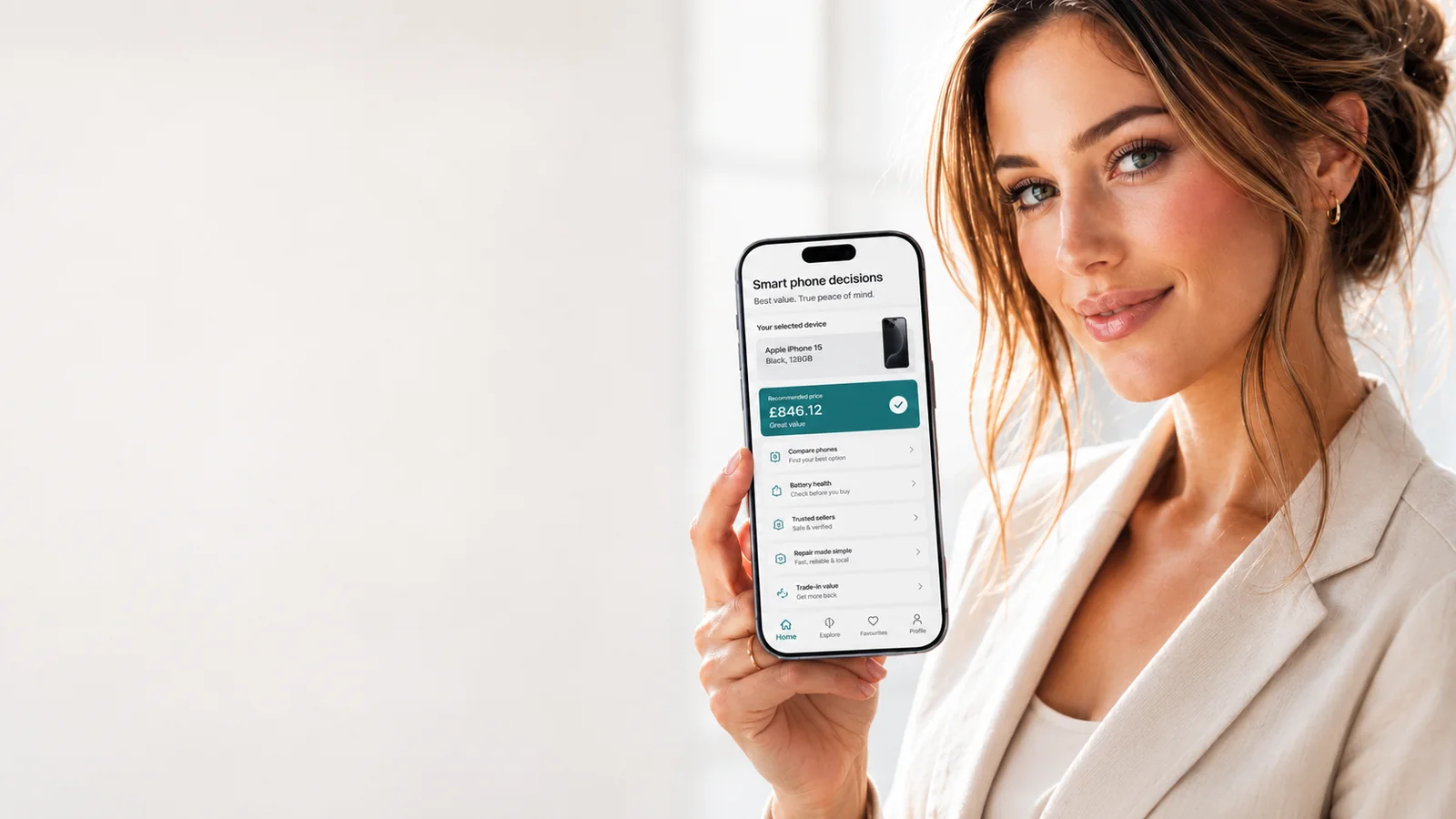
A phone transaction involves two separate privacy risks: the seller may leave personal data or account locks behind, and the buyer may expose their own accounts by signing in before the device and seller have been properly checked. Complete ownership, account and erasure steps in the correct order.
Choose the relevant route
- Data Protection During Transactions
- How to Ensure Your Data Is Safe When Selling
- Second-Hand Phone Red Flags
- How to Test a Second-Hand Phone Before Buying
| Stage | Main privacy task |
|---|---|
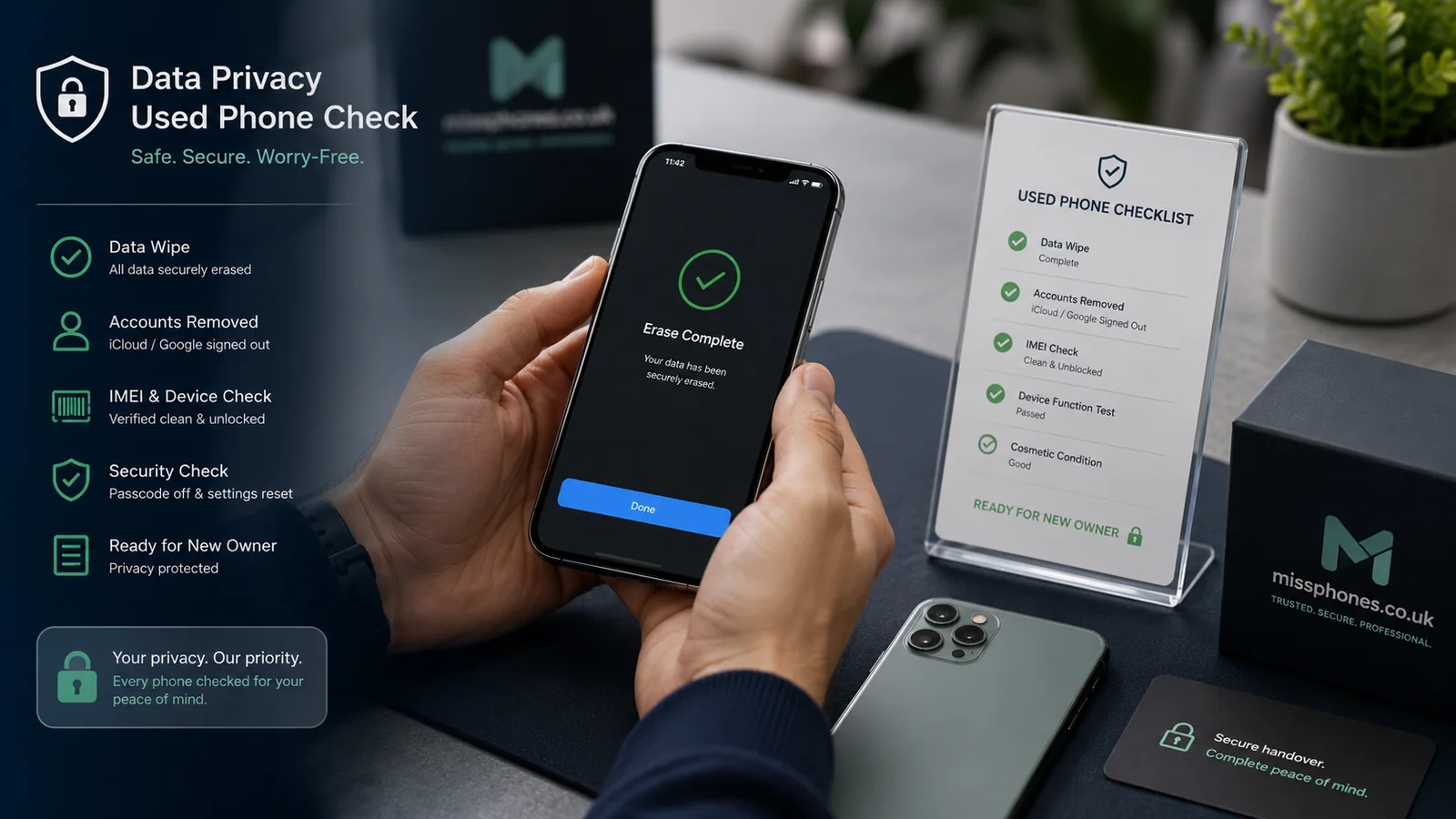
| Before selling | Back up, remove accounts, disable locks and use the built-in erase process |
| During the transaction | Protect identifiers, documents, addresses and payment information |
| Before buying | Confirm previous accounts and organisation management are removed |
| After buying | Reset again where appropriate, update the phone and create your own secure setup |
A factory reset is a data-erasure step, not proof of ownership or technical condition. Account-lock removal, device testing and seller evidence remain separate checks.
Reference points for current UK rules: Phone Data and Privacy When Buying and Selling
- National Cyber Security Centre: buying and selling second-hand devices
- Information Commissioner’s Office: deleting data from devices
- Apple Support: what to do before selling, giving away or trading in an iPhone or iPad
- Google Android Help: reset an Android device to factory settings
Using the Phone Data and Privacy When Buying and Selling guides
Treat this area as a handover process: value the handset, choose a route, document condition, protect accounts and data, confirm payment or collection, and keep enough evidence afterwards.
- Data Protection During Transactions — Use this when account security, privacy or data handling is central.
- How to Check a Phone Is Not Stolen Before Buying — Use this guide when that narrower question is the one blocking the decision.
- How to Ensure Your Data Is Safe When Selling — Use this for the handover, sale or disposal stage.
- How to Test a Second-Hand Phone Before Buying — Use this for condition, seller risk or second-hand buying checks.
- Second-Hand Phone Red Flags — Use this for condition, seller risk or second-hand buying checks.
- Signs a Used Phone Has Problems — Use this for condition, seller risk or second-hand buying checks.
Guides in this section
How to Test a Second-Hand Phone Before Buying
Test in two stages: inspect and use the phone before erasure, then verify account-lock removal after reset. Paying after only one …
18 August 2026Signs a Used Phone Has Problems
A used phone does not need to look new. The important question is whether the wear is honestly described and whether it points to …
17 August 2026How to Ensure Your Data Is Safe When Selling
The safe sequence is backup, transfer and verification, account removal, built-in erasure and a final setup-screen check. Deleting…
17 August 2026Data Protection During Transactions
Share only the information needed to complete and evidence the sale. A genuine buyer may need model, condition and a privately sup…
16 August 2026How to Check a Phone Is Not Stolen Before Buying
No public check can prove with certainty that a second-hand phone was lawfully acquired and will never be blocked later. A safer p…
16 August 2026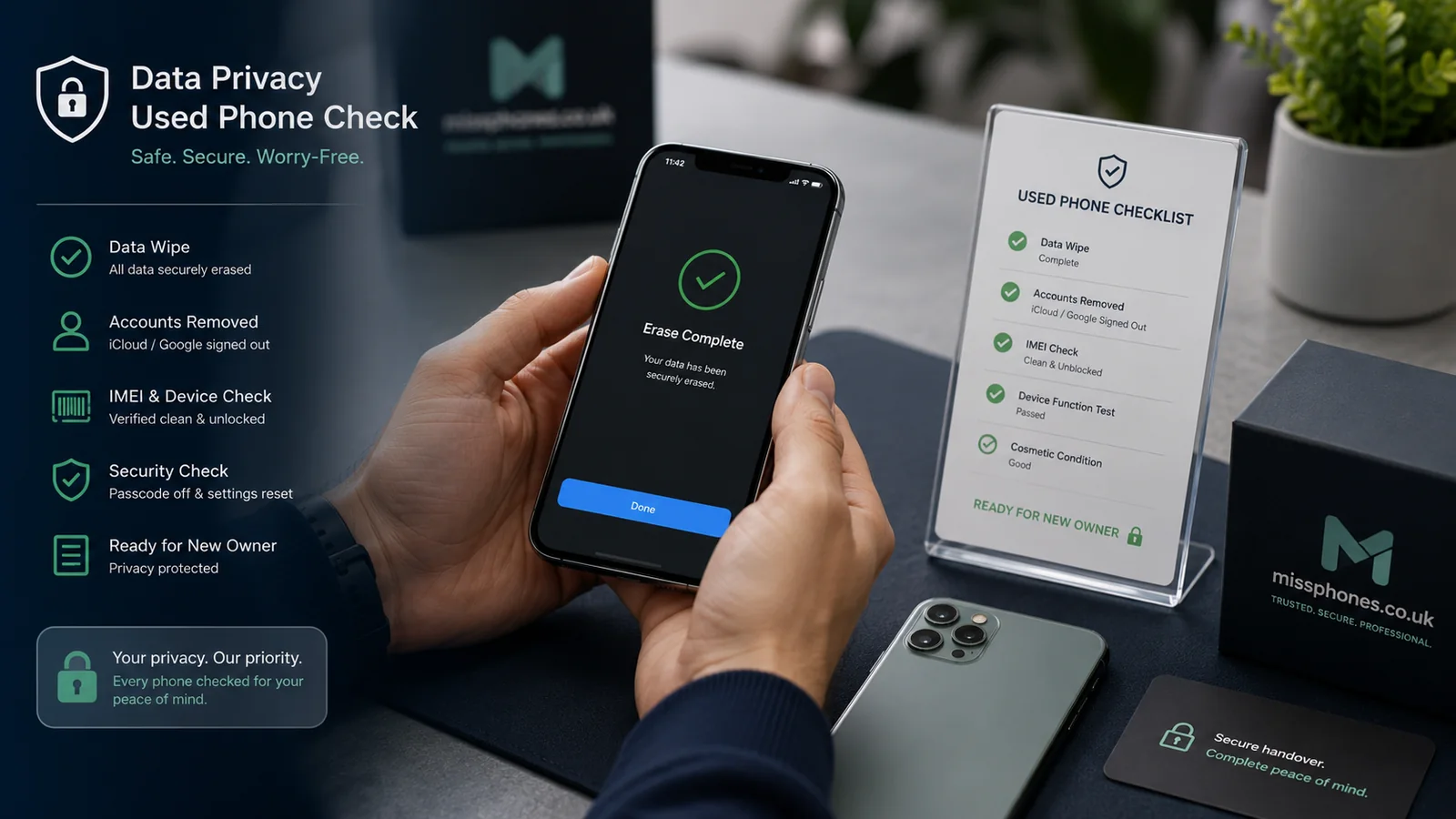
Second-Hand Phone Red Flags
A red flag is not always proof of fraud, but it is a reason to stop and resolve the uncertainty before paying. Several unresolved …
16 August 2026