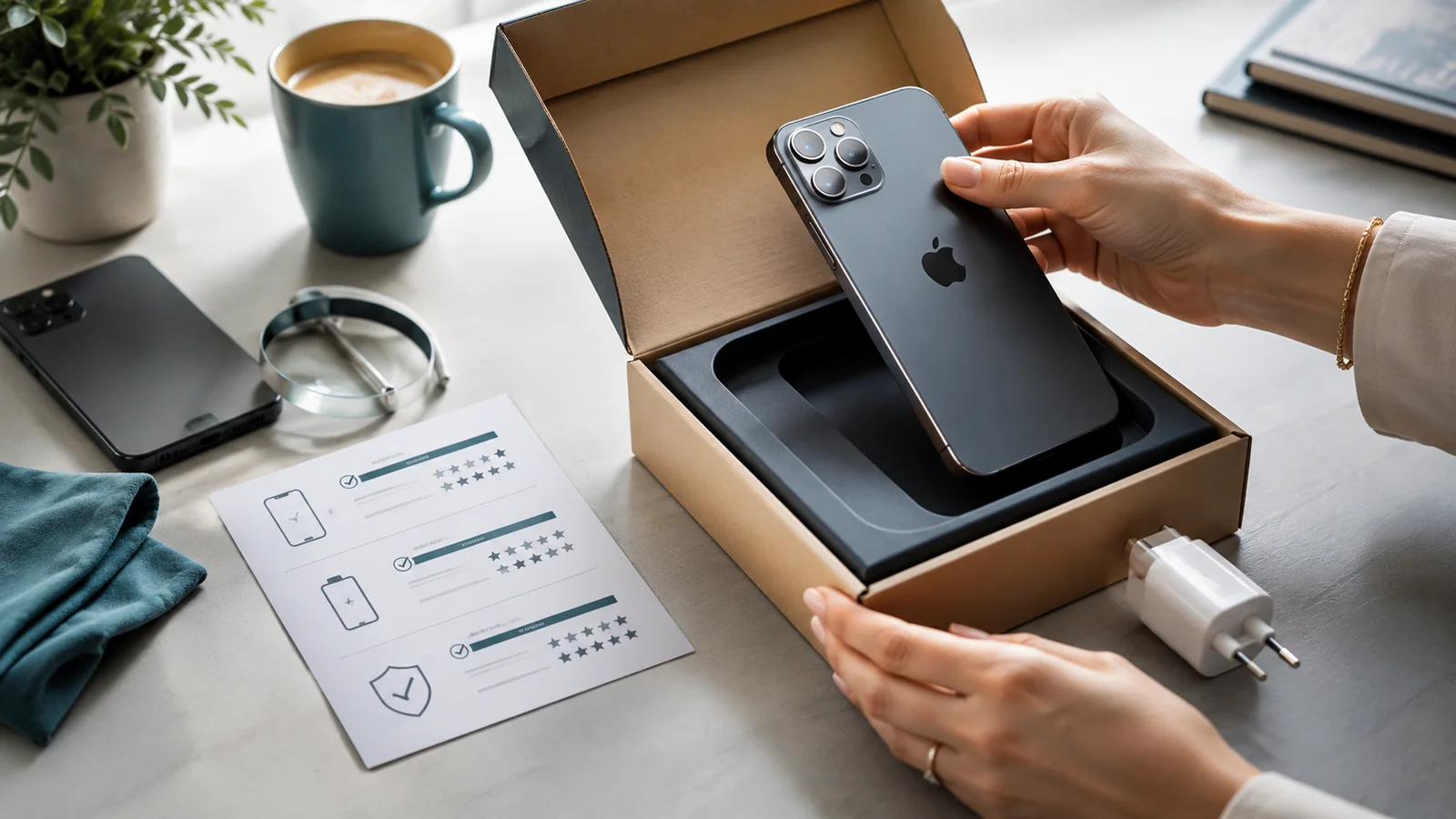
The purpose of a condition record is not to make the phone look attractive. It is to show what was sent, how it worked and how it was packed. Create the record after the final clean and test but before sealing the parcel.
Record identity without publishing it

Photograph or video the model information and IMEI for your private file. Do not place the full IMEI or serial number in a public advert. Record any mismatch between the device, box and receipt rather than hiding it.
Photograph every surface
- Front with the display off, so scratches and cracks are visible.
- Front with the display on, showing a plain bright screen.
- Back, all four sides and each corner.
- Camera lenses, charging port, buttons and speaker openings.
- Every existing scratch, dent, crack, gap or repair mark at close range and in context.
- Accessories and the exact parcel contents.
Record function briefly
A continuous video can show the phone powering on, touch working across the display, cameras opening, buttons responding, charging beginning and the identifiers matching your record. Do not expose personal notifications or account information. The video is evidence of a test at that moment, not a guarantee against every later fault.
Make the record coherent
Begin a short continuous video by showing the phone and private identifier record, then demonstrate key functions and move directly to the condition views. A continuous sequence is harder to confuse with photographs of a different phone. Do not publish that video if it exposes the full IMEI; retain it privately for the transaction.
Record the packing sequence
Photograph the wrapped phone, cushioning, closed box, shipping label and sealed edges. Keep the postage receipt and tracking. A complete record is more persuasive than dozens of disconnected close-ups with no date or identity link.
Store evidence proportionately
Keep the files until payment, delivery and the relevant platform dispute period are complete. Retain only what is necessary and protect any buyer address contained in the label image.
Next: How to Package a Phone for Posting.
To place How to Document a Phone's Condition Before Posting It in context, see Selling and Recycling, then Selling and Trade-In Guide.
Primary references used for this guide: How to Document a Phone's Condition Before Posting It
Checks that matter for How to Document a Phone's Condition Before Posting It
- Account and data separation:back up what you need, remove account locks using the manufacturer’s supported process, and complete the appropriate erase procedure before the phone leaves your control for the situation covered on this page.
- Payment and delivery fit:use a payment and delivery method that matches the marketplace or buyer-protection rules; do not change the delivery address or payment route simply because a buyer asks in a message using the assumptions relevant to this guide.
- Value versus certainty:a higher private-sale price can require more time and carry more dispute risk; a trade-in may pay less but provide a simpler documented process; compare the net amount rather than the headline quote; apply this point to the document s condition before posting question.
- Evidence before handover:keep the advert or quote, photographs of condition, serial/IMEI records kept privately, and the payment or collection record; this keeps the How to Document a Phone's Condition Before Posting It transaction documented without publishing device identifiers in the listing.