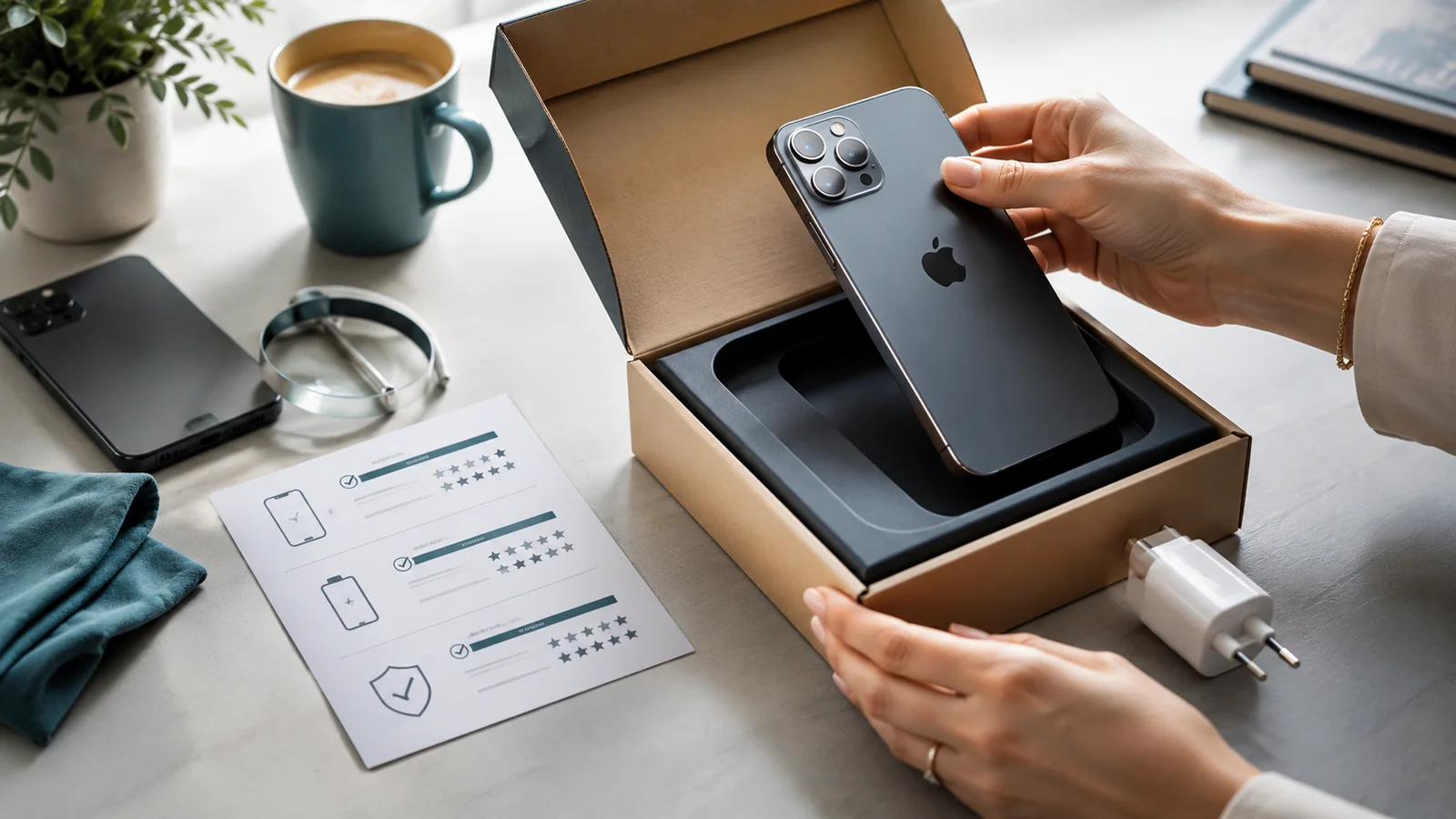
A backup phone should be cheap to own, safe to switch on after months in a drawer and capable of the essential task. It does not need flagship cameras or performance, but it does need supported software, a healthy battery and a workable SIM plan.
Define the backup role

- calls and messages during repair;
- business continuity;
- travel or a second number;
- authentication and emergency access;
- a spare for a family member.
Choose for storage, support and battery stability
A previous-generation or refurbished phone can work well where the support period is long enough and the battery is documented. Avoid an unsupported bargain that cannot safely run banking or authentication apps.
Plan the SIM
| Approach | Check |
|---|---|
| PAYG | Minimum activity needed to prevent suspension and number recycling |
| Rolling monthly plan | Cancellation, price and whether regular payment is worth the standby use |
| Move the main SIM when needed | Physical/eSIM compatibility and access to provider authentication |
Ofcom notes that PAYG inactivity rules vary and that numbers can be recycled. Record the provider’s current activity requirement and set a reminder.
Maintain the backup
- Install security updates periodically.
- Store the battery at a sensible partial charge and inspect for swelling.
- Test charging, calls and account access.
- Keep recovery codes separately.
- Do not leave confidential data on an unused device without a reason.
Do not duplicate every paid service
A backup phone may not need its own cloud tier, insurance, premium apps or full monthly allowance. Decide which services are needed during an emergency and which can be accessed after moving the main SIM or signing in.
Consider account-security separation
A backup can help with authentication, but storing every account and recovery code on both devices creates another exposure. Keep the minimum required access, use a strong passcode and update the phone before relying on it.
Know when to retire it
Replace or repurpose the backup when security support ends, the battery becomes unsafe or required apps stop working. A device that cannot be trusted during an emergency is not a useful backup merely because it still powers on.
Related guidance: Return to Buying a Phone for related options, then use the Complete Phone Buying Guide before committing to the final choice.
Sources checked
Information checked on 26 July 2026. Retailer, provider and manufacturer terms can change, so confirm the current wording before acting.