A red flag is not always proof of fraud, but it is a reason to stop and resolve the uncertainty before paying. Several unresolved warnings together are a strong reason to choose another phone.
Scope of this page: Use this page before committing to a used-phone purchase: it focuses on warning signs in the advert, seller behaviour and pre-purchase evidence. Hands-on device testing and common buyer mistakes are covered in separate guides.
| Red flag | What it may indicate | Required response |
|---|---|---|
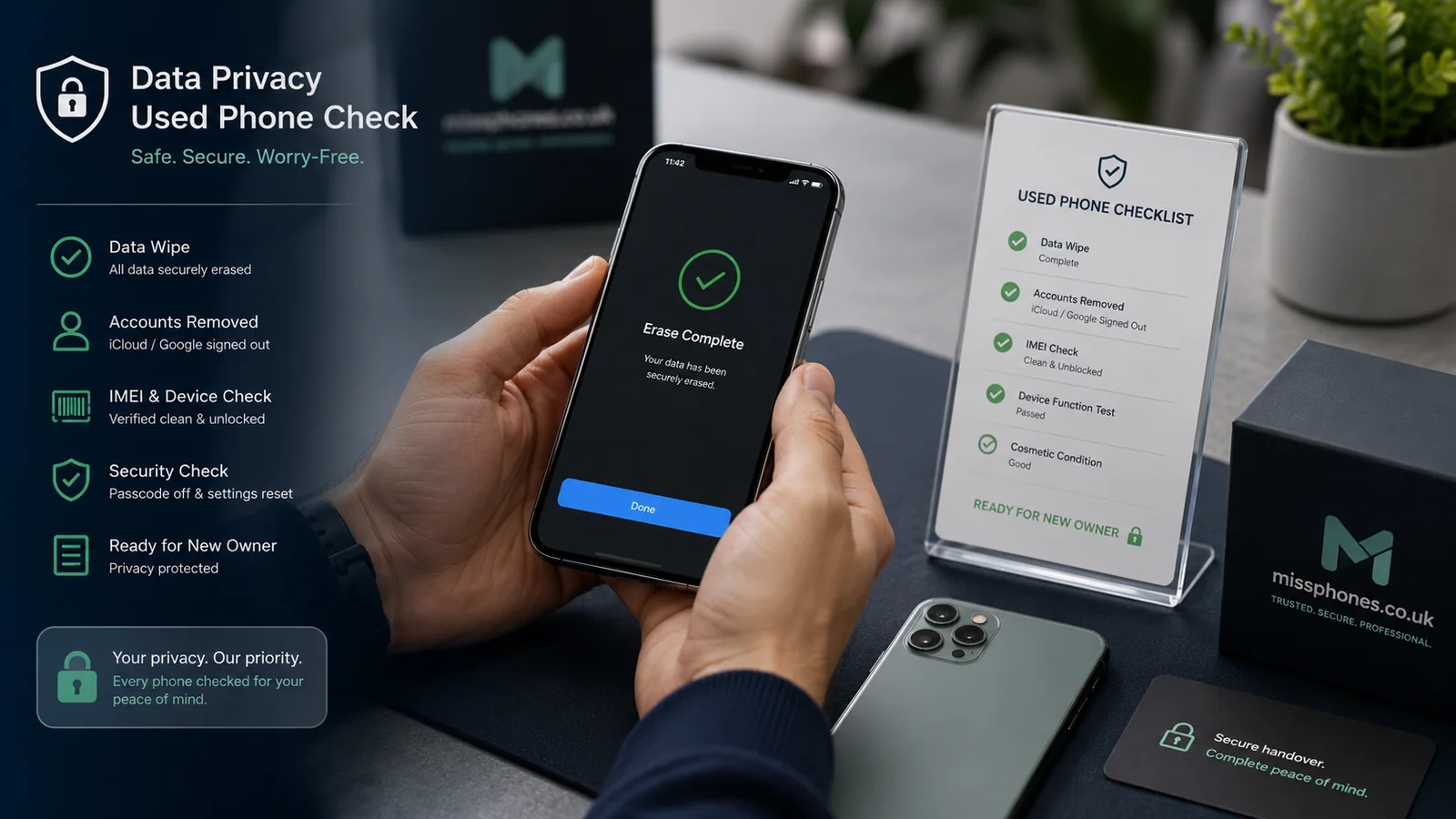
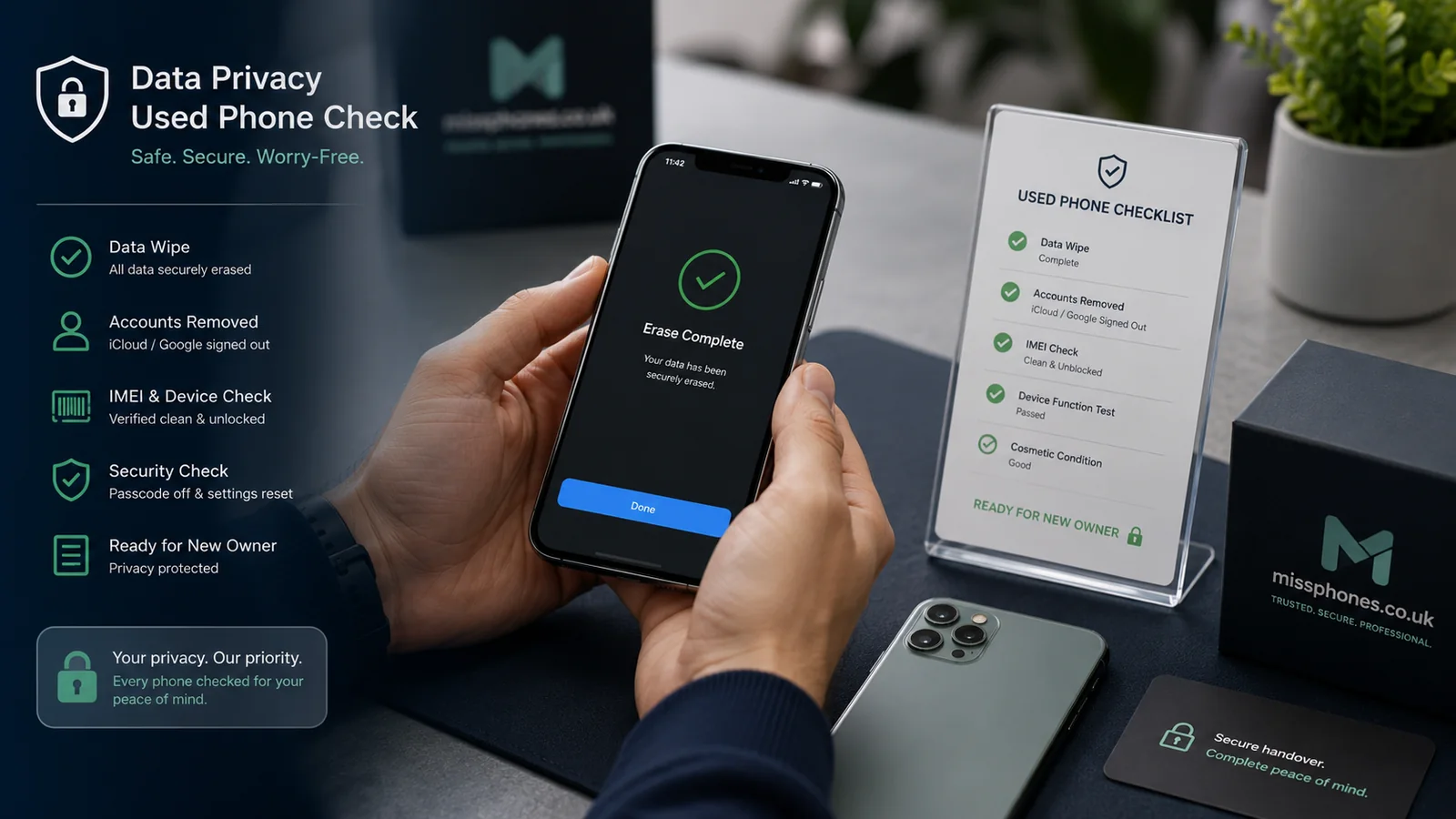
| Seller refuses account removal | Activation Lock, Factory Reset Protection or lack of control | Do not buy |
| Identifiers do not match | Replacement device, wrong box, error or substitution | Demand documentary explanation |
| Price is far below comparable phones | Damage, fraud, lock or counterfeit risk | Increase verification; do not rush |
| Phone is already reset before any test | Useful condition and parts evidence may be hidden | Complete setup and full functional checks |
| Payment moves off-platform | Loss of protection or phishing | Keep the official route or walk away |
| Organisation-management message | Employer or school control | Require removal by the organisation |
Condition warnings

- screen or back lifting from the frame;
- heat during light use;
- camera fogging or liquid indicators;
- touch dead zones, flicker or biometric failure;
- charging that works only at one angle;
- parts or repair messages not disclosed in the listing.
Seller-behaviour warnings
Be cautious when the seller changes meeting place repeatedly, sends a courier instead of appearing, will not provide a written bill of sale, uses a third party’s bank account or creates a story that prevents a normal test. A genuine explanation should be capable of verification.
One clean check does not cancel another warning
A clear IMEI result does not resolve account lock, damage or ownership evidence. A working camera does not resolve battery swelling. Evaluate the whole transaction.
After Second-Hand Phone Red Flags, the closest next step is Buying a Phone, then Complete Phone Buying Guide.
Reference points for current UK rules: Second-Hand Phone Red Flags
- National Cyber Security Centre: buying and selling second-hand devices
- Apple Support: what to check before buying a used iPhone
- Ofcom: lost or stolen phone guidance
Before deciding on Second-Hand Phone Red Flags
- Keep the minimum useful evidence:retain the receipt or order confirmation, seller description, key messages and the device identity needed to prove the transaction without publishing sensitive identifiers in this specific comparison.
- Protect accounts separately from the phone:make sure recovery email, recovery codes and another trusted device are available before changing, selling or resetting the handset in the context of this page.
- Use supported erase and unlink procedures:removing files manually is not the same as removing account locks or performing the manufacturer’s reset process; follow the current instructions for the exact platform in the context of this page.
- Verify the handover state:confirm the phone starts without your account, SIM or personal content and that any paperwork handed over does not expose unnecessary personal data using the assumptions relevant to this guide.